A Shopify store may receive product, order, and policy questions across its storefront and connected messaging channels. When those conversations are handled in separate places, teams need a clear way to see which channel a shopper used, what information is available, and when a person should take over.
This guide explains how to plan that workflow: connect only the channels your team will actively support, prepare accurate product and policy information, choose an appropriate storefront prompt, and measure responses and handoffs separately. These steps help teams evaluate their setup; they do not guarantee a conversion lift or a particular reduction in support workload.
Algoshop AI Sales Chatbot AI Sales Chatbot combines shopper conversations with product discovery and configurable Outreach Cards. The current [Shopify App Store listing](https://apps.shopify.com/algoshop-ai-sales-chatbot) describes plan-specific message, product-sync, and card-display allowances, so verify those details before selecting channels or designing a campaign.
The Omnichannel Hub: 4 Inbound Channels, 1 Single Unified Window
The foundational architecture of Algoshop AI Sales Chatbot AI operates on a single system design principle: distributed multi-source input, centralized single-point processing.
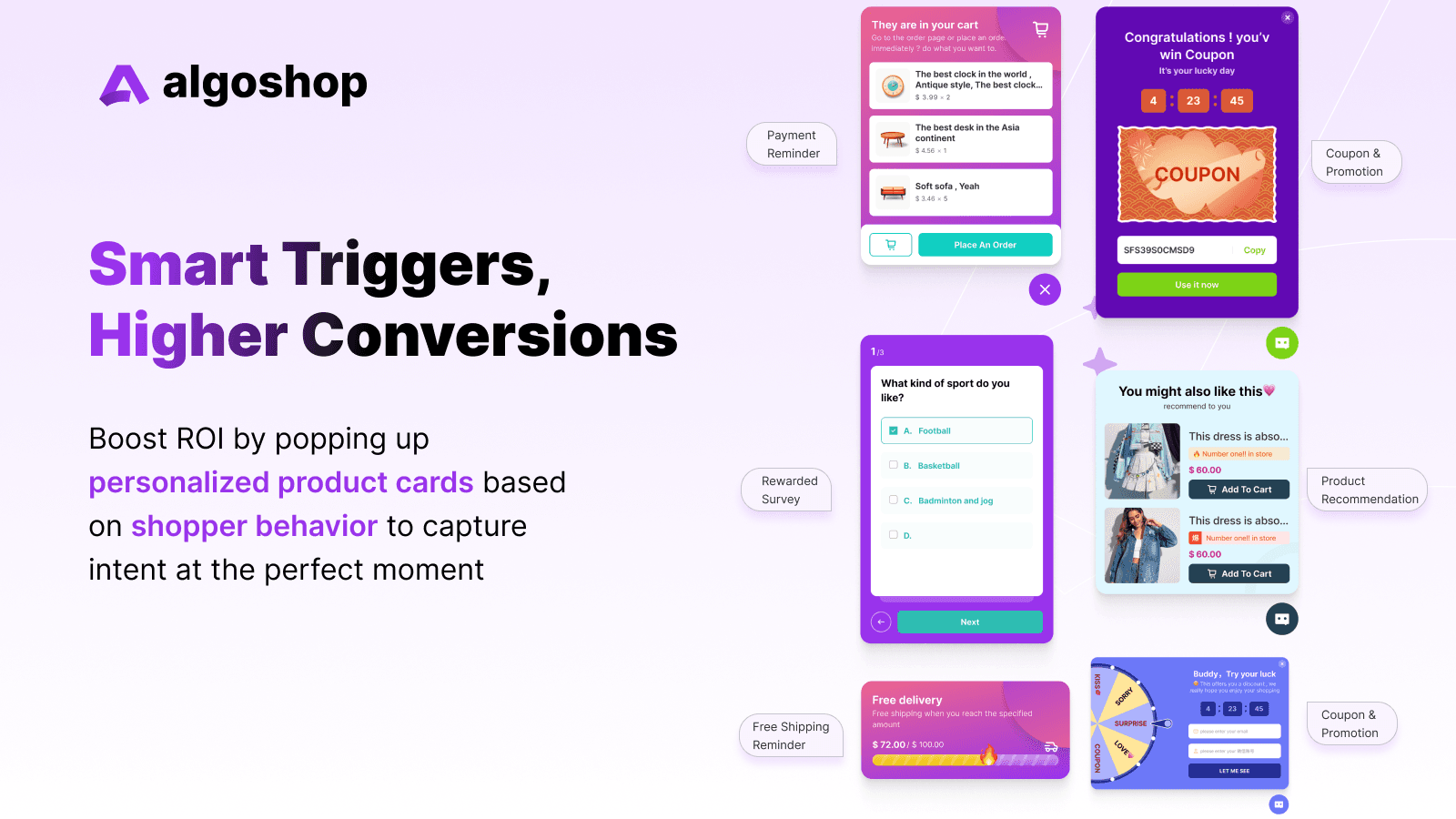
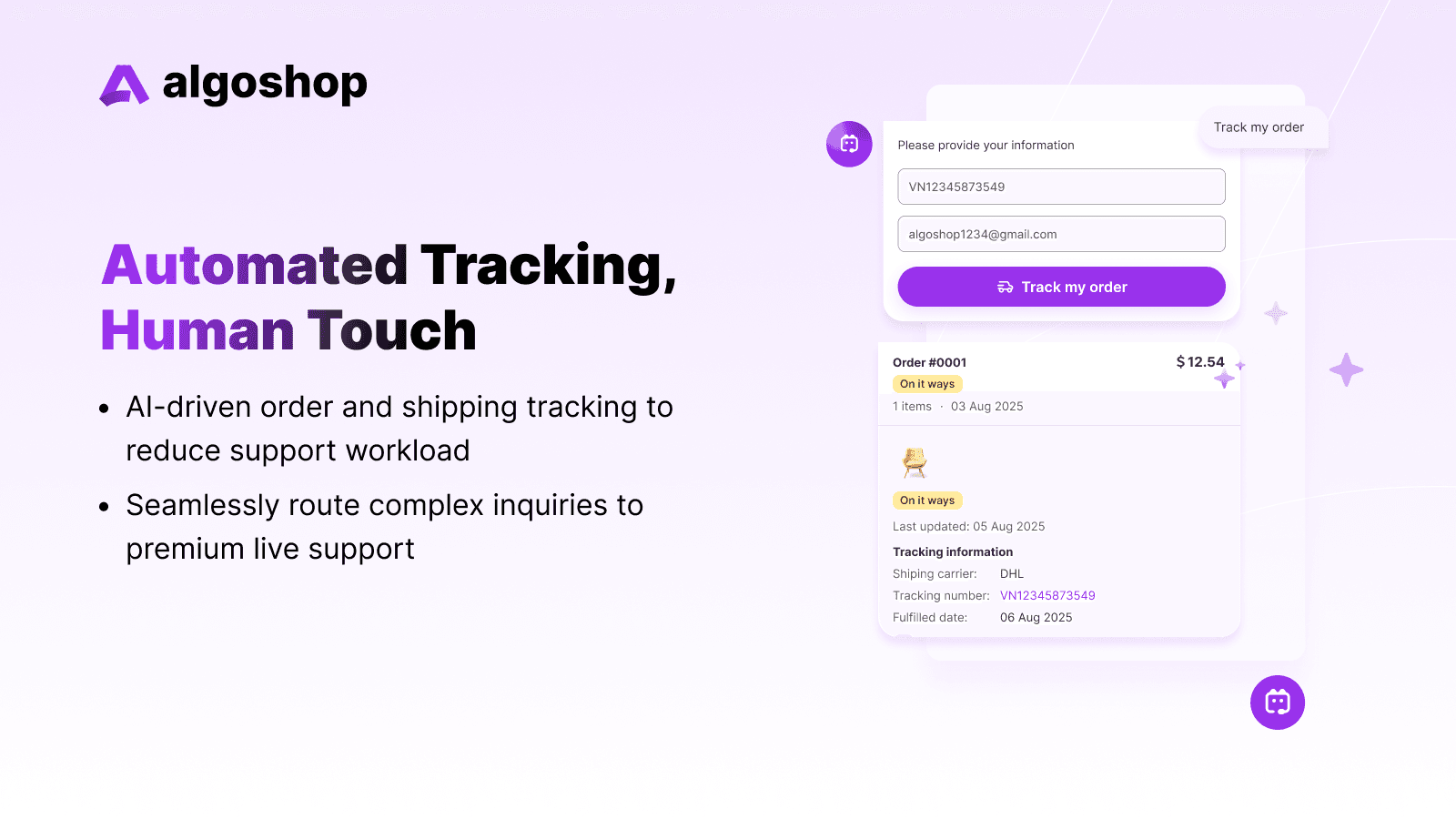
The current listing describes storefront chat and WhatsApp, Messenger, and Instagram support. Treat each as a separate setup task: connect the account, confirm the messages your plan supports, send a test message, check what conversation context is visible to the team, and document how an agent takes over.
For example, a shopper might ask about a product on the storefront and later follow up on a connected social channel. During a pilot, check whether staff can identify the channel, find the earlier question, and continue with accurate context. Availability and conversation continuity depend on account setup and plan; do not assume every channel behaves identically.
- WhatsApp Business
- Instagram DM & Comment Automation
- Facebook Messenger
- Shopify Storefront Chat Widget
Shifting to Proactive Commerce: The 6 High-Converting Outreach Cards
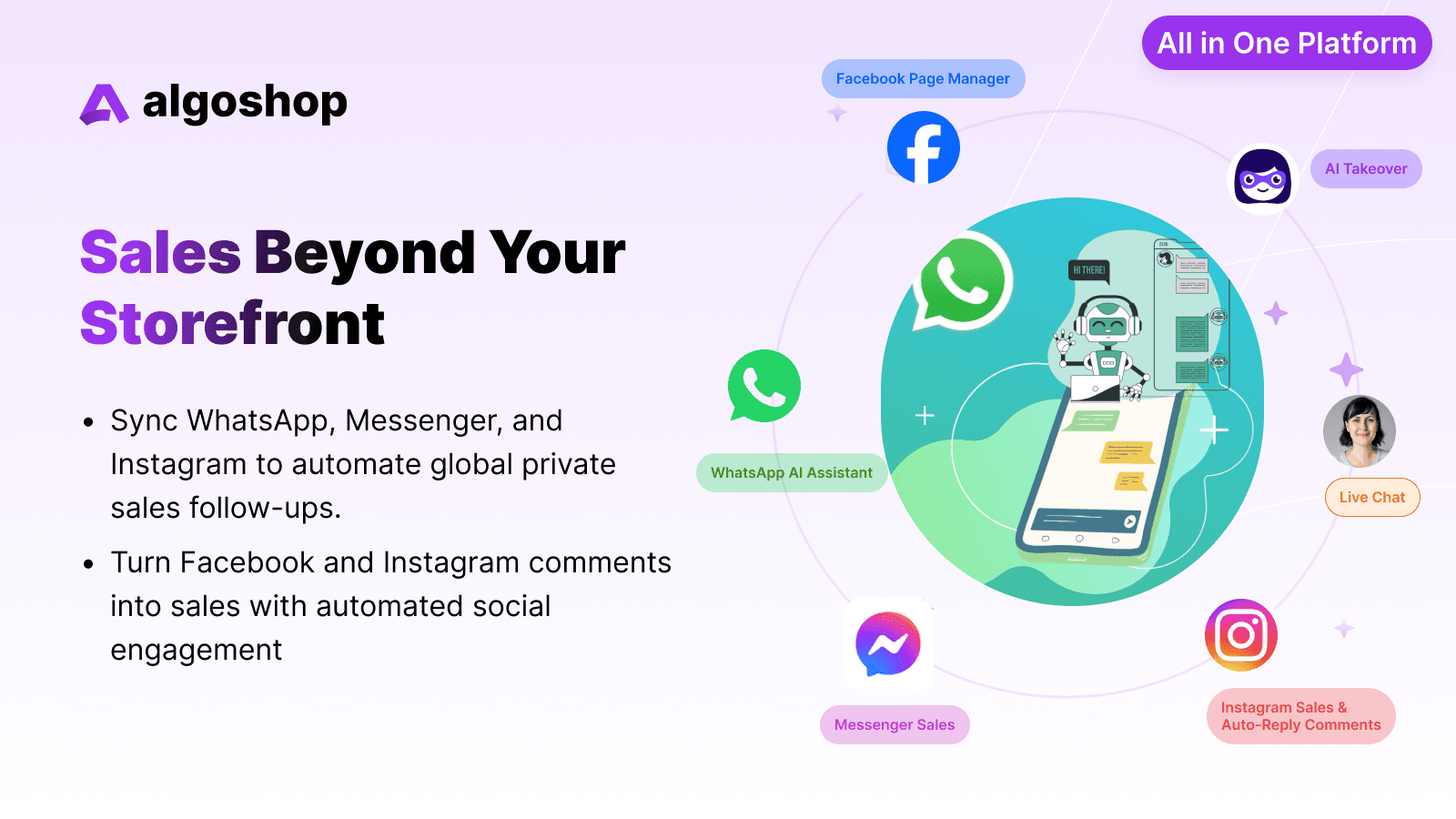
Outreach Cards let a merchant place a message or offer in the shopper journey rather than relying only on a shopper opening chat. The card format, trigger, display allowance, and available controls depend on the current product configuration and plan; verify each setting in the app before describing it as automatic behavior.
A practical rollout starts with one relevant location and one genuine shopper need. For instance, a merchant could test a product recommendation on a product page, or show a free-shipping reminder only when a real cart threshold applies. Keep the message dismissible, confirm the offer terms, and review views, clicks, cart changes, and orders separately.
Product Recommendation Card
Use this format to present relevant products. Confirm which recommendation sources and product details the selected configuration uses; compare product clicks and add-to-cart activity with orders rather than assuming an AOV increase.
Proactive Message Card
A merchant can use a proactive message to introduce help or product information in a chosen storefront context. Check the current card settings for supported content, placement, and display rules.
Countdown Timer Card
A countdown is appropriate only when it represents a real offer deadline. Set and test the end time and terms; do not use a resetting timer or imply scarcity that does not exist.
Coupons & Promotions
If the selected campaign supports a coupon, verify the code, eligibility, expiration, and Shopify discount rules. A promotion may affect margin and should be measured along with any resulting order activity.
Free Shipping Reminder
When a merchant has configured a genuine free-shipping threshold, a reminder can explain how far the cart is from it. Check the displayed amount against the store's shipping rules and do not imply that an unconfigured threshold is active.
Payment Reminder Card
Use a payment or checkout reminder only where the current card and channel support it. Verify eligibility, consent, message timing, and the destination link; an attributed checkout is not by itself proof that the reminder caused the order.
A Brain Built for Retail: Deep Shopify Catalog Integration
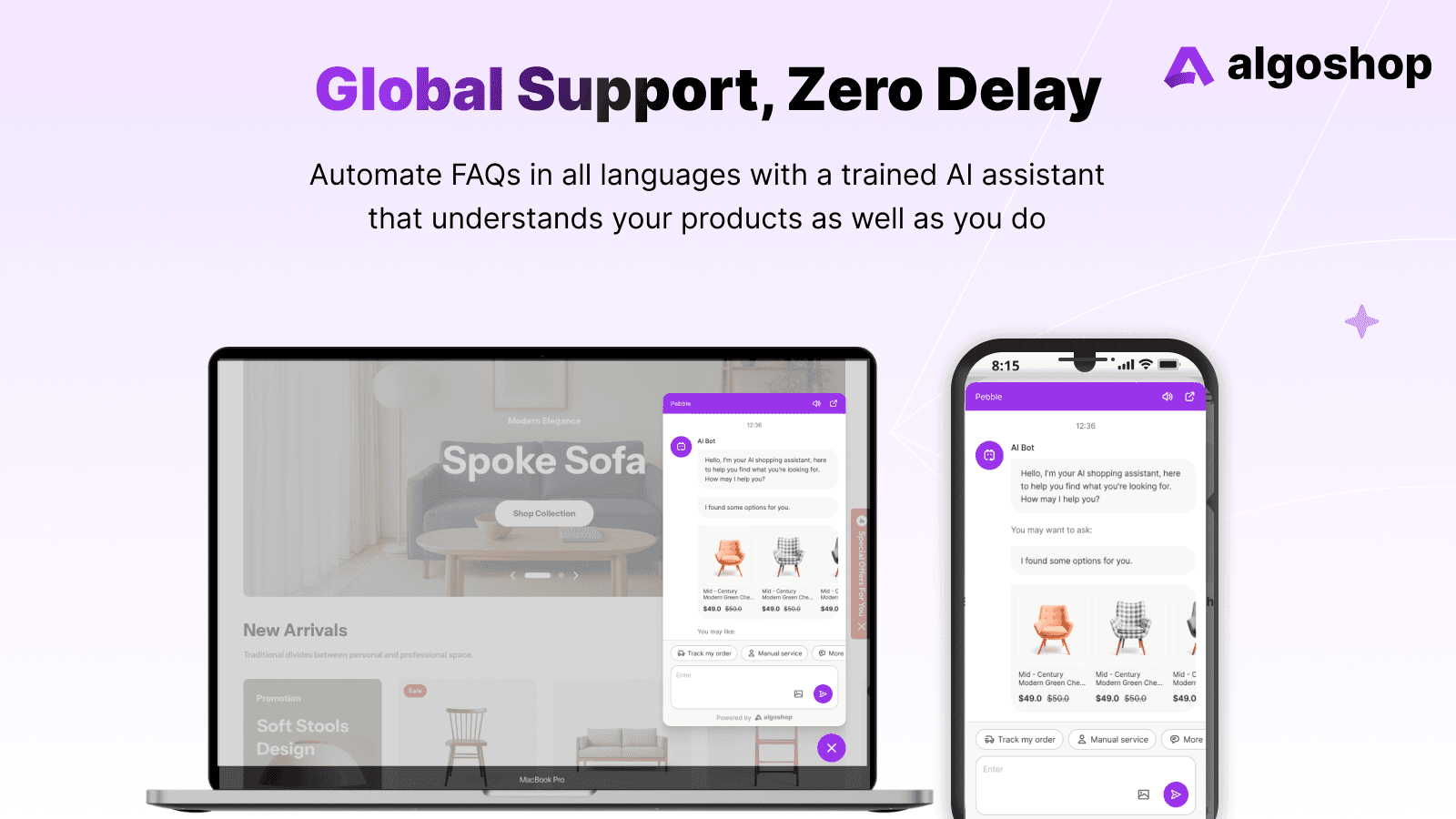
Product answers are only as dependable as the connected information and the way it is maintained. The Shopify listing describes product synchronization and AI shopper support, with product limits that vary by plan. Confirm which catalog fields are available in your configuration and when changes become visible.
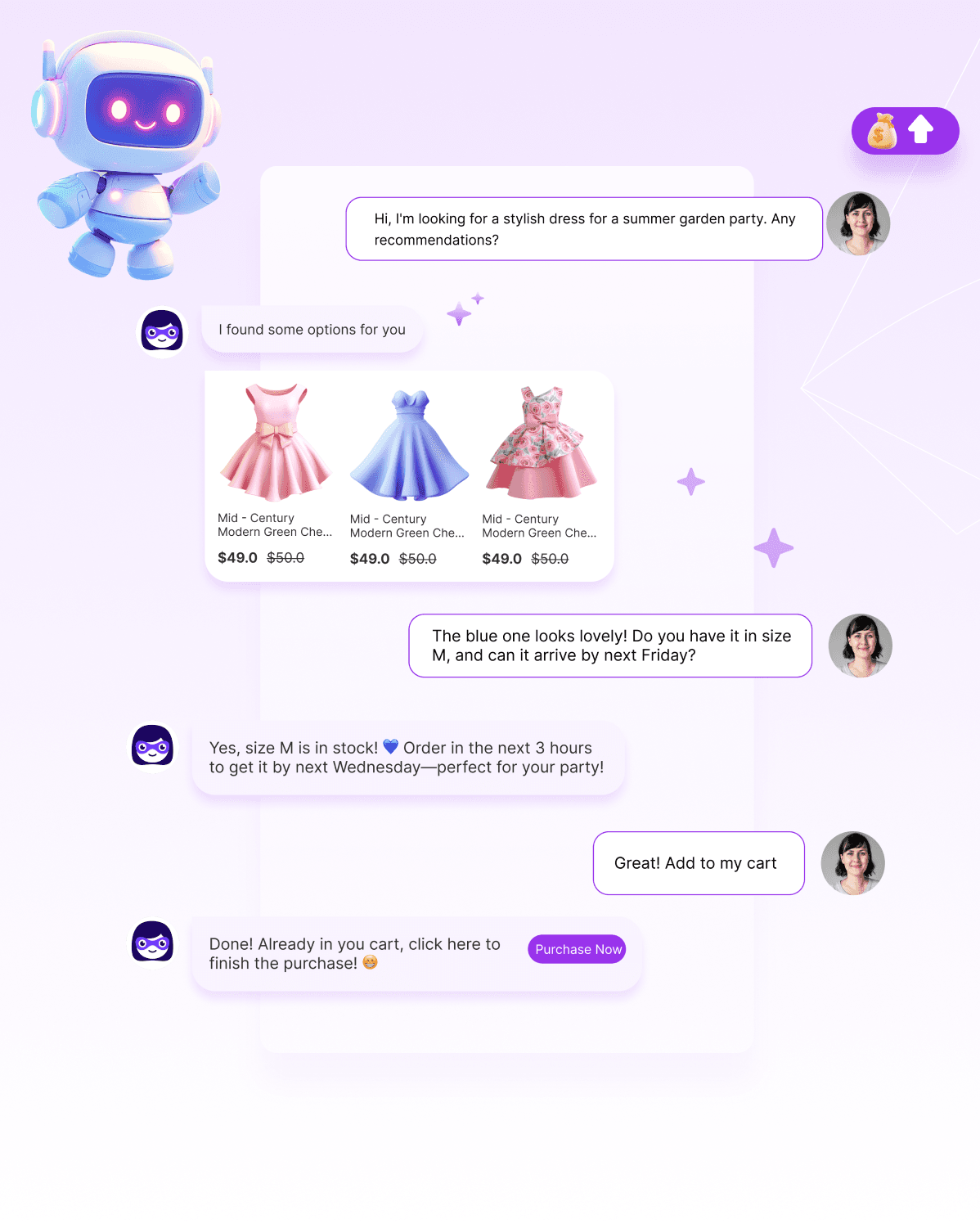
When a shopper asks granular questions like, "Do you have this mesh dress in size M, and can it arrive by Thursday?" or "What accessories go well with your concrete stadium model?", Algoshop AI Sales Chatbot doesn't reply with vague text. It acts as an elite in-store retail consultant. It verifies real-time stock counts, calculates delivery windows, and directly serves responsive, interactive product cards complete with high-quality media, pricing, and direct [ Purchase Now ] cart-insertion buttons.
Before enabling the widget, test it on the store's live theme and a mobile device. Check loading behavior, keyboard access, dismiss controls, and whether the widget conflicts with other scripts. Performance depends on theme code, apps, and configuration, so measure it rather than assuming zero impact.
Human-in-the-Loop: Smart Live Chat Takeover
Decide which questions require a person—for example, a disputed order, a policy exception, or a health or safety concern—and test the available handoff in every channel you plan to use. Confirm what context an agent can see, how the shopper is told about the handoff, and who owns follow-up if no agent is available. Notification timing and channel continuity should be verified in the configured workspace.
The Bottom Line: Pure Systemic Value
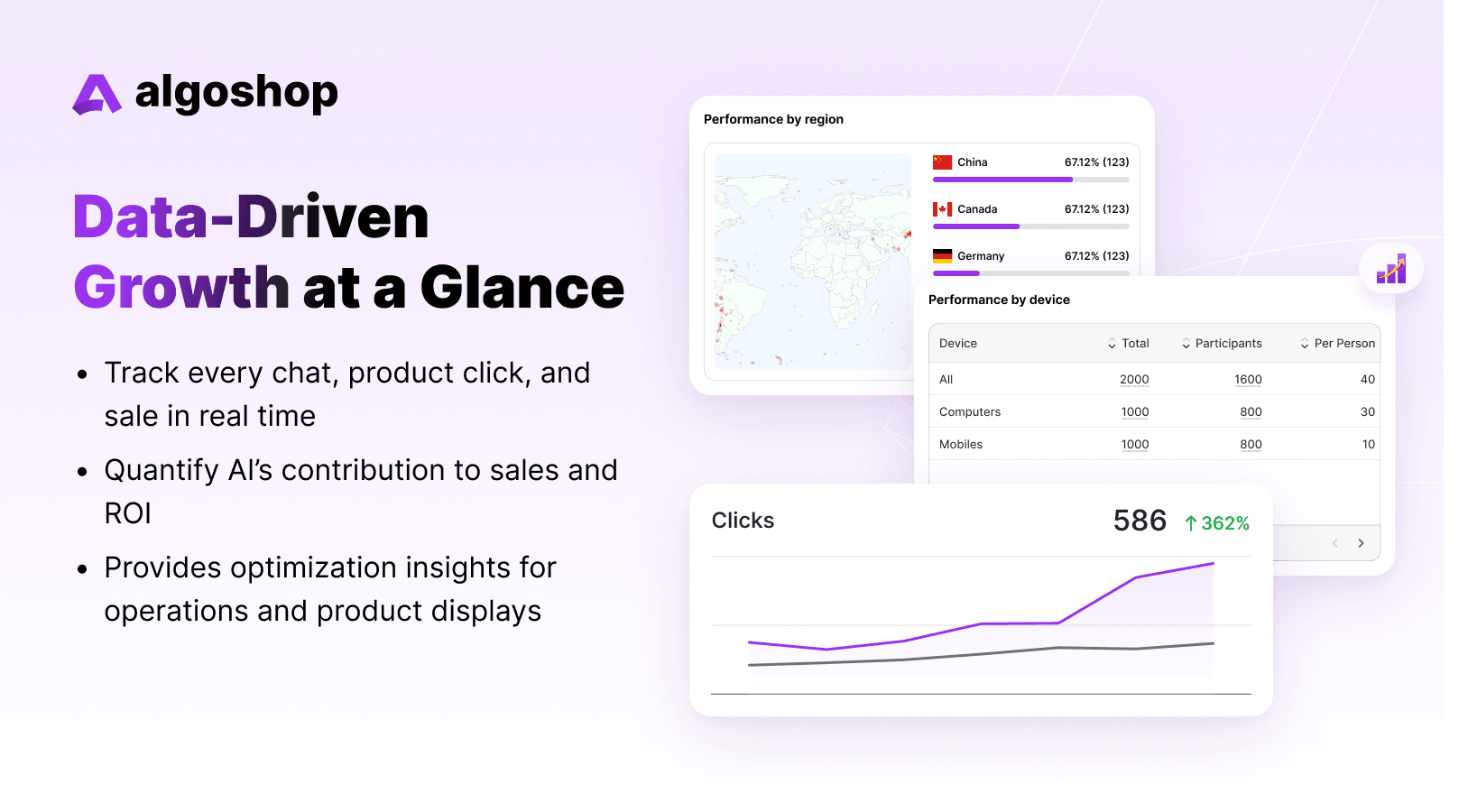
Use reporting to understand what happened in the workflow, not to assume causation. Track eligible sessions, card views, dismissals, clicks, add-to-cart events, completed orders, handoffs, and support outcomes. Confirm the definitions and attribution window used by each report, then compare with a suitable baseline before drawing conclusions about revenue or AOV.
“Stop losing hard-earned traffic to delayed responses and friction-filled checkouts. Deploy Algoshop AI Sales Chatbot AI Sales Chatbot on your storefront today, automate your global inbound funnel, and let your business convert 24/7 on autopilot.”
Frequently Asked Questions
What does Algoshop AI do for e-commerce stores?
Algoshop's Shopify listing describes AI shopper support, product recommendations, order tracking, live chat, and WhatsApp, Messenger, and Instagram integrations. Available features and usage limits depend on plan and setup. Test representative questions and handoffs in your own store rather than applying a third-party resolution rate to your results.
How much does Algoshop cost?
The current listing shows Free, Starter at $39.90/month, Essential at $79.90/month, and Ultimate at $199.90/month. It lists different AI-message, live-chat, product-sync, and Outreach Card allowances by plan; paid plans also show a 7-day trial. Check the listing for current inclusions and billing terms before choosing.
Does Algoshop support multiple languages?
The Shopify listing describes multilingual support and names supported languages. Review its current language list and test product names, sizes, shipping rules, and policy wording in each target market; translation support does not ensure every response is locally or legally appropriate.
Can Algoshop integrate with WhatsApp and Instagram?
The listing describes WhatsApp, Messenger, and Instagram integrations. Confirm which plan includes each channel, how the account is connected, what conversation history is shared, and whether the workflow supports the replies and handoffs your team needs.
How should a merchant measure the value of an AI sales chatbot?
Start with a baseline and a defined pilot. Track relevant exposures, useful answers, handoffs, product clicks, add-to-cart events, completed orders, discounts, and app and staffing costs. Compare like-for-like traffic or use a suitable holdout; separate attributed orders from incremental impact and avoid promising a universal payback period.

