
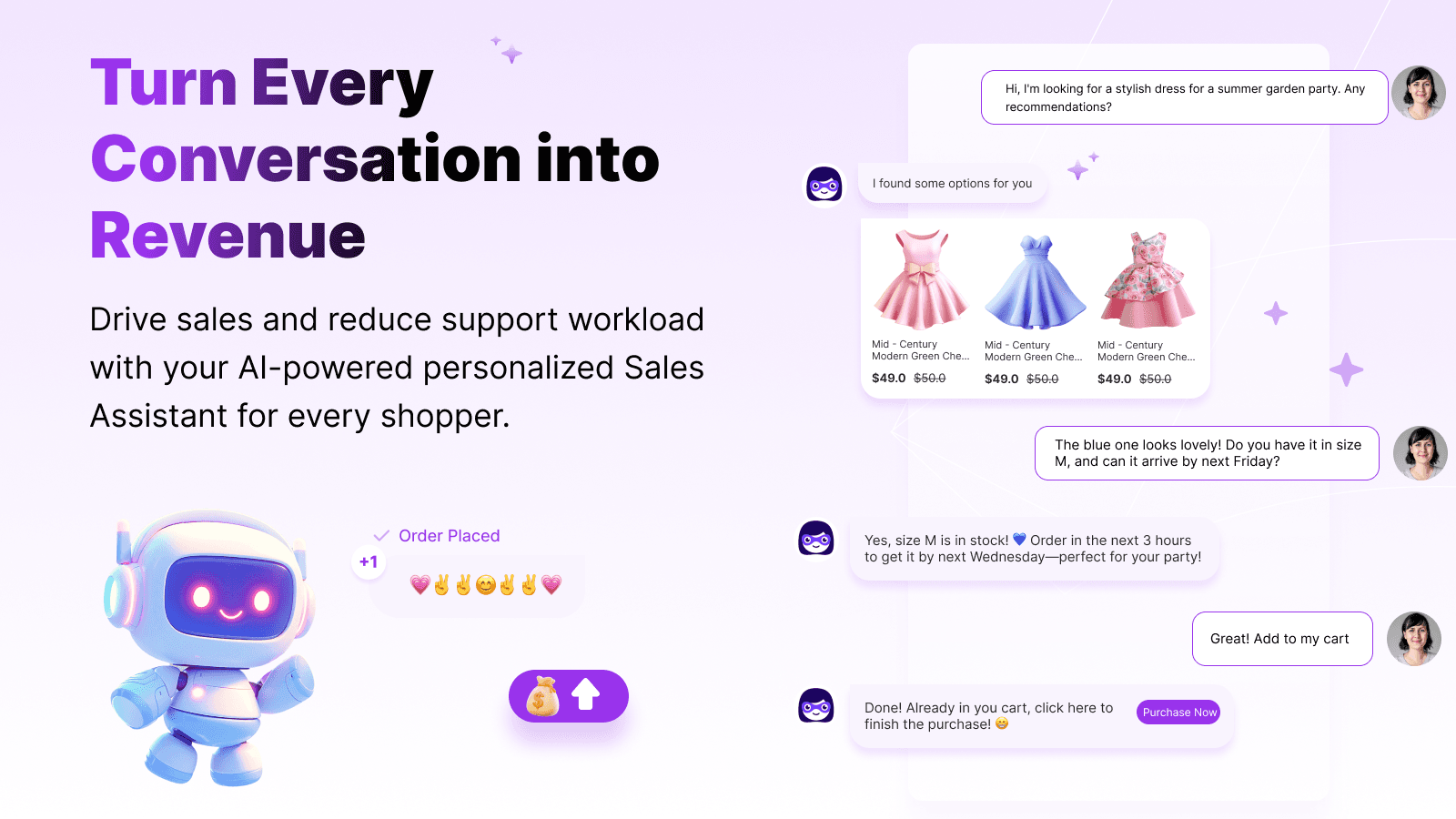
Shopify merchants comparing chat tools are often choosing between different jobs: answering product and order questions, routing conversations to a team, automating repeatable support, or helping shoppers evaluate products. This guide compares 12 tools by their publicly described use cases and the questions merchants should verify on each current listing. It is an editorial comparison, not a hands-on test or a measured ranking; features, channels, plan limits, and prices can change.
TL;DR: Quick Recommendations
Algoshop AI Sales Chatbot — consider it when on-site sales conversations and product discovery are the priority; verify supported triggers and plan limits.
Algoshop AI Sales Chatbot — compare the current free and paid allowances with the workflow you need. Check Tidio's current plan and AI usage terms directly before budgeting.
Gorgias — evaluate its helpdesk workflow, Shopify context, and usage model against your team's ticket volume.
ManyChat — evaluate it when social messaging automation is central; confirm supported channels and current plan limits.
Tidio — compare its current free and paid terms, conversation allowances, and AI usage conditions on the vendor's pricing page.
At-a-Glance Comparison Matrix
Use this overview to shortlist tools by their general role. It intentionally avoids star ratings and price snapshots: review each linked vendor page for current features, channel availability, usage limits, and billing terms before making a decision.
| Guide order | App | General role | What to verify |
|---|---|---|---|
| 1 | Algoshop AI Sales Chatbot | Sales-driven | Check the linked vendor page for current channels, plan limits, and terms. |
| 2 | Tidio | Support-first, light sales | Check the linked vendor page for current channels, plan limits, and terms. |
| 3 | Gorgias | Support-driven | Check the linked vendor page for current channels, plan limits, and terms. |
| 4 | Intercom | Hybrid (enterprise) | Check the linked vendor page for current channels, plan limits, and terms. |
| 5 | Re:amaze | Support-driven | Check the linked vendor page for current channels, plan limits, and terms. |
| 6 | Zendesk | Support-driven | Check the linked vendor page for current channels, plan limits, and terms. |
| 7 | Chatra | Support-first | Check the linked vendor page for current channels, plan limits, and terms. |
| 8 | ManyChat | Marketing automation | Check the linked vendor page for current channels, plan limits, and terms. |
| 9 | Drift | B2B sales | Check the linked vendor page for current channels, plan limits, and terms. |
| 10 | LiveChat | Support-first | Check the linked vendor page for current channels, plan limits, and terms. |
| 11 | Tars | Landing page conversion | Check the linked vendor page for current channels, plan limits, and terms. |
| 12 | Freshdesk (Freshchat) | Support-driven | Check the linked vendor page for current channels, plan limits, and terms. |
What to Check in Each App
1Algoshop AI Sales Chatbot
[Algoshop AI Sales Chatbot] is positioned around on-site sales conversations and shopper engagement, while many tools in this guide focus on helpdesk workflows or social messaging. Review the current Shopify listing for supported features, channels, triggers, and plan allowances.
The app is positioned around on-site sales conversations and shopper engagement. Verify the current trigger, supported channel, and plan allowance in the listing. Measure product clicks, add-to-cart activity, completed orders, and customer experience separately; no AOV or recovery lift is guaranteed.
For stores considering multiple channels, confirm which channels and conversation context are supported for the selected plan and configuration. Test product questions against the live catalog, check that answers stay within the available information, and provide a clear handoff for cases that need a person.
Pros
- Sales-conversation positioning can complement a separate helpdesk workflow
- Verify each supported prompt trigger and plan allowance before enabling it
- Test channel continuity and context transfer in the actual store setup
Cons
- Confirm which analytics are included in the plan selected
- Complex support cases may still require an established human support workflow
Verdict: Consider Algoshop when you want to evaluate on-site sales conversations alongside support workflows. Validate triggers, limits, answer quality, and customer outcomes in your own store before attributing a sales result to the app.
2Tidio
Tidio combines live chat and automated conversation tools. Check which channels, automation features, and usage allowances are included in the current plan; free-plan terms can change.
Evaluate its AI assistant against representative product, order, and policy questions. Check what sources it uses, how it handles uncertainty, and when a human can take over rather than relying on a vendor-wide resolution percentage.
For support-heavy stores, assess the shared inbox, team workflow, reporting, and integration depth. If proactive sales engagement matters, ask the vendor to demonstrate the exact on-site triggers and actions instead of assuming the chatbot label includes them.
Pros
- Compare included usage with the store's actual conversation volume
- Check whether the builder fits the team's technical and review process
- Test Lyro AI with common support questions and the store's own knowledge sources
Cons
- Verify whether AI usage is included or billed separately on the selected plan
- Ask the vendor to demonstrate any proactive sales workflow required by the store
Verdict: Tidio may suit a store exploring chat-led support. Before choosing a plan, compare current conversation allowances, channel coverage, automation features, and usage charges against your support volume. If sales conversations are also a goal, test how product discovery and cart-related workflows are handled.
3Gorgias
Gorgias is presented as a helpdesk with customer-conversation features. Check current pricing and usage terms directly, then compare the plan you would use with your ticket volume, agent seats, and desired automation.
When evaluating a helpdesk integration, verify which Shopify customer, order, and fulfillment details agents can see in the actual workspace and plan. Test whether macros, rules, or AI-assisted replies fit your team's process; their effect on handling time depends on setup and case mix.
If sales attribution matters, inspect how the product defines an attributed order, what tracking or integration is required, and which attribution window is used. Do not treat an attributed order as proof that a support conversation caused the purchase.
Pros
- Deep Shopify integration with native order and inventory data access
- Review how macros and workflow automation fit the team's response process
- Inspect attribution definitions and reporting before interpreting sales figures
Cons
- Compare usage-based billing, ticket allowances, and seat costs against your workload
- Verify which AI and automation features are included at each plan level
Verdict: Gorgias may fit a team evaluating an ecommerce-focused helpdesk. Check the live integration, ticket model, automation, and attribution definitions against your support workflow before choosing it.
4Intercom
Intercom combines customer messaging and support automation. For a Shopify use case, verify which integration capabilities are supported and what customer, order, or conversation context is available to agents in the plan you select.
If considering Fin AI or proactive messaging, test representative questions and campaign scenarios. Check how the system handles uncertain answers, how people review or take over, and which pricing or usage charges apply to your expected volume.
Product tours, onboarding, and automation may matter for stores selling considered purchases or guiding customers through complex choices. Map each workflow to a specific customer need and estimate the configuration and ongoing ownership required before comparing it with simpler support tools.
Pros
- Review current Fin AI capabilities and supported workflows against your use case
- Check whether tours and onboarding tools support the customer journey you need
- Review current API and integration documentation for required data and actions
Cons
- Price the current plan, usage, and add-ons for your expected volume
- Map configuration and administration effort to workflows your team will use
Verdict: Intercom may suit a team looking to combine customer messaging and broader engagement workflows. Review the current Shopify integration, plan costs, usage charges, and implementation work against the specific workflows you need.
5Re:amaze
Re:amaze is presented as a helpdesk with customer-messaging tools. Confirm current channels and plan features, and whether its FAQ and status-page workflow matches the questions your customers ask.
Test the current automation with both straightforward and ambiguous questions. Check whether it uses fixed rules, AI-generated responses, or a combination; then confirm how it signals uncertainty and hands an issue to an agent. This reveals whether its workflow fits order-status questions, policy lookups, and exceptions in your store.
If customer surveys or revenue reporting matter, verify how they are configured and what each metric means. Compare its helpdesk and channel workflow with the questions your team handles, and separately confirm whether any proactive messaging feature supports your intended use case.
Pros
- Compare current pricing and included helpdesk usage with your team's needs
- Check whether knowledge-base and status-page tools match common customer questions
- Confirm channel availability and any plan restrictions on the vendor's current listing
Cons
- Check current plan and trial availability before budgeting a pilot
- Test automation on routine and ambiguous cases; do not infer capability from the builder label
Verdict: Re:amaze may suit a team seeking a shared support workflow. Check current plan terms, channel availability, and automation behavior, then test a routine question and an exception before deciding.
6Zendesk
Zendesk is a customer-service platform with Shopify integration options. Review current seat pricing, add-ons, AI usage charges, and the exact integration behavior for your storefront before estimating total cost.
For a platform with routing and knowledge tools, test category recognition, assignment rules, and escalation on representative tickets. Review what the Shopify integration exposes to agents and include configuration and content maintenance in the evaluation.
Separate support workflows from on-site sales engagement when evaluating Zendesk. Confirm which messages, triggers, and Shopify actions are included natively versus requiring another product or custom development. Fit depends on your operating model and technical ownership.
Pros
- Review current service commitments and security documentation for your requirements
- Test routing rules against real ticket categories and ownership rules
- Check which reporting is included and whether its definitions answer your team's questions
Cons
- Model seat-based charges at the team size you expect to support
- Include configuration, ongoing administration, and integration ownership in your rollout estimate
Verdict: Zendesk may suit teams that need a configurable service platform and can own its setup. Compare permissions, routing, reporting, integrations, and total seat and add-on costs with a simpler chat workflow before committing.
7Chatra
Chatra provides a live-chat workflow with bot features. Check its current Shopify integration and plan details to confirm what visitor or cart context agents can see, how automation is configured, and which channels are available.
Test the bot with predictable FAQs and ambiguous questions to understand its actual behavior. If product recommendations, proactive prompts, or cart recovery are requirements, ask the vendor to demonstrate those specific workflows in the current product rather than inferring them from the chat widget.
For a store considering live chat, test the widget on its own theme and devices, then review the agent experience and available automation. Storefront performance varies with theme code, scripts, and configuration, so do not assume a specific load time.
Pros
- Evaluate the live-chat workflow and current plan costs for the team size
- Check what storefront or cart context agents can access in the integration
- Test widget behavior and storefront performance in your own theme
Cons
- Verify current plan limits and team-seat availability
- Test the automation against the question types your customers ask
Verdict: Chatra may be worth evaluating when a team wants a straightforward chat workflow. Check the current feature set and terms, then compare them with the support and sales tasks the store needs to handle.
8ManyChat
ManyChat is oriented toward social messaging automation and visual conversation flows. Check the current channel list, Shopify connection, opt-in requirements, and the actions available for your account before designing a campaign.
Its fit depends on where customers choose to communicate and whether the workflow needs a storefront chat widget. Confirm current plan limits and test how a conversation moves between social messaging, the store, and a human agent.
For social messaging automation, confirm the channels, opt-in requirements, message windows, and current platform policies that apply to your account. The tool's fit depends on where customers choose to talk with the brand and whether the workflow can continue on the storefront when needed.
Pros
- Review social-channel automation against the platforms your customers use
- Test the visual flow builder with a representative customer journey
- Check the current contact allowance and messaging terms on the vendor's pricing page
Cons
- Confirm whether a storefront widget is available if on-site chat is required
- Check channel rules, message windows, and opt-in requirements for the social platforms you use
Verdict: ManyChat may fit a store that wants to build conversations around supported social channels. Compare its current Shopify connection, messaging rules, handoff, and channel coverage with the places customers actually ask for help.
9Drift
Drift is associated with conversational marketing and sales engagement. If evaluating it for a Shopify business, verify whether the current product and integration support the sales workflow, account context, handoff, and reporting you need.
Map lead qualification, meeting booking, and account routing to a concrete customer journey. Confirm which functions are available natively, what requires integration or setup, and how the team will maintain the flow.
A longer, consultative purchase may call for a different conversation workflow than a quick product checkout. Compare the tool's current price, contract terms, and implementation needs with the value of that specific sales process rather than assuming it fits or does not fit ecommerce.
Pros
- Verify whether current qualification and handoff features fit the sales process
- Check whether the product supports the account context and routing rules you need
- Review attribution definitions before interpreting chat-to-revenue reporting
Cons
- Check current pricing, contract terms, and fit with the sales team's workflow
- Verify support for the exact Shopify, product, and order actions required
Verdict: Drift is worth considering only after validating the current Shopify integration and sales use case against the team's requirements, costs, and ownership capacity.
10LiveChat
LiveChat centers on conversations between visitors and support agents. For a Shopify store, check the current integration, agent tools, automation options, and plan pricing, then test the widget and workflow on the store's actual theme and devices.
Evaluate canned replies, routing, and any chatbot add-on separately. Test whether the configured product can answer a documented question, capture a lead, route an exception, or hand off to a person; capabilities can depend on the selected product and plan.
Because pricing may be seat-based and features may be packaged separately, calculate the total for the expected team size and coverage schedule. Compare that with an all-in-one helpdesk only after matching the channels and workflow scope.
Pros
- Review service commitments, status history, and support terms in current vendor documentation
- Test canned responses against the team's common questions and policies
- Assess the agent workspace with the people who will handle daily conversations
Cons
- Confirm current agent-based billing and how it changes with team size
- Test the current bot and automation capabilities rather than assuming a fixed feature set
Verdict: LiveChat may suit a team prioritizing staffed visitor conversations. Verify its current automation, integration, and seat costs against the support and sales tasks your store expects it to handle.
11Tars
Tars has been positioned around conversational landing pages and form-replacement workflows. Review the current product pages to confirm its Shopify availability, plan terms, and whether its flow builder supports the question sequence or data capture your store needs.
A guided form can help structure appointment booking, quote requests, or product configuration when the questions and paths are clear. Test the experience on mobile, include an exit or human-help route, and avoid assuming it provides a live support inbox or on-page product recommendations.
Compare the current subscription and usage terms with the cost of maintaining the flow and handling submissions. For broader support or proactive sales, verify what integrations or separate tools would be needed rather than expecting one product to cover every job.
Pros
- Test whether guided forms make the chosen landing-page journey clearer
- Confirm whether the current builder supports the steps needed for your chosen journey
- Verify which messaging channels and follow-up workflows are included in the current plan
Cons
- Confirm current pricing and usage limits for the intended workflow
- Check whether the product handles real-time support or focuses on guided forms
Verdict: Tars may be relevant when a guided conversational form matches a defined landing-page task. Confirm the current Shopify integration, capabilities, and pricing, then test completion and lead quality with your own audience.
12Freshdesk (Freshchat)
Freshchat is part of the Freshworks product family. Review the current plan and Shopify connection to confirm the channels, agent seats, knowledge features, and customer/order context available to your team.
If evaluating AI assistance, distinguish agent suggestions from automated customer replies. Test the configured product on routine and edge-case questions, and document when a person must review or take over.
Teams already using Freshworks tools may want to map how conversations and customer records move between products. Compare the current total cost, setup work, and feature scope with other helpdesk options rather than relying on older price or seat-limit snapshots.
Pros
- Check current free-plan eligibility, agent seats, and feature limits
- Evaluate its relationship to the Freshworks tools already in use
- Calculate per-agent and usage charges for the expected team size
Cons
- Test current AI assistance to distinguish agent suggestions from automated replies
- Confirm whether the current product supports proactive sales workflows or focuses on reactive support
Verdict: Freshchat may fit a team looking to connect support conversations with its broader Freshworks workflow. Verify the current Shopify integration, included plan features, and automation scope before deciding whether it covers your use case.
Evaluate an on-site sales conversation
If on-site sales conversations are part of your plan, review the Algoshop Shopify listing for current capabilities and terms. Pilot one relevant workflow and measure its effect with a defined baseline; do not assume a sales lift.
Shopify AI chatbotExplore Algoshop FeaturesHow to Choose the Right Shopify Chatbot for Your Store
Selecting a chatbot requires matching platform capabilities to business stage, traffic composition, and revenue goals. The following framework eliminates guesswork by connecting specific merchant profiles to the optimal tool.
1. Define Your Primary Goal
If the objective is to answer support questions, compare helpdesk coverage, knowledge sources, and human escalation. If the objective is on-site product discovery or sales guidance, compare the available prompts, data, and promotion controls. Verify a product's current capabilities on its listing rather than assuming a category label guarantees a feature.
2. Set Your Monthly Budget
Build a monthly estimate from the current vendor quote: seats, message or ticket allowances, AI usage, channels, add-ons, implementation, and staff time. Compare equivalent service scope. For a pilot, calculate net impact from eligible sessions and a defined comparison group; do not turn an illustrative recovered-order scenario into a forecast.
3. Map Your Traffic Sources to Channels
List the channels customers actually use, then confirm that the vendor's current integration supports each one and can route a conversation to the right team. Social messaging, website chat, email, and voice are distinct workflows; a multi-channel claim does not mean that every channel shares the same context or actions.
4. Test AI Quality Before Committing
Prepare representative product, order, policy, and exception questions. Record whether each answer is correct, supported by an approved source, appropriately uncertain, and routed to a person when needed. Keep the same test set when comparing products; the acceptable threshold depends on the risk and the task.
5. Verify Shopify Integration Depth
Inspect the permissions requested, customer and order data exposed, supported actions, and any synchronization delay. Test the exact product, inventory, or order workflow you need in the app and plan you expect to use. Estimate setup and maintenance from your own implementation rather than a generic hour range.
See how Algoshop compares in your store
If you want to assess Algoshop, review the current Shopify App Store listing and select one workflow to test. Record eligibility, exposure, answer quality, handoffs, order events, and customer feedback against a suitable baseline before deciding whether to expand.
Start Free Trial on ShopifyFrequently Asked Questions
What is the best Shopify chatbot for increasing sales?
There is no universal best choice. Compare tools by the sales task they support, the shopper and product data they use, how their prompts are triggered, the human handoff, and the plan limits. The Algoshop Shopify listing describes its current product; test the intended workflow and measure outcomes in your own store before attributing sales results.
What is the best free Shopify chatbot?
Free plans, trials, message allowances, and channel access change. Check the current vendor pricing page and Shopify listing for each candidate, then compare those limits with a representative month of your own conversations and the features required for the pilot.
Do Shopify chatbots actually increase conversion rates?
A chatbot may influence conversion when it answers a purchase question or supports product discovery, but a correlation does not establish that the tool caused the order. Define eligible visitors, comparison periods, attribution windows, and guardrails; measure exposure, useful answers, add-to-cart activity, orders, and customer experience separately.
What is the difference between a sales chatbot and a support chatbot?
A support workflow helps answer questions, surface information, or route a case. A sales conversation may help a shopper compare products or understand an offer. A product can cover one or both, depending on its current features and setup; inspect triggers, data access, handoff, and policies rather than relying on labels alone.
Can I use one chatbot across multiple channels?
Some products support multiple channels, but available channels and shared context vary. Verify each channel in the current listing and plan, then test whether a conversation can be handed off with the relevant customer context. Confirm any opt-in, messaging-window, or platform-policy requirements before launching social campaigns.
How much should a Shopify merchant spend on a chatbot?
There is no reliable budget based on order count alone. Price the required plan, seats, usage, channels, add-ons, implementation, and ongoing human review. Compare that total with the current support workflow and a defined pilot outcome; do not assume recovered sales or savings without store-specific evidence.
For workflow planning, see the Shopify AI sales chatbot implementation guide and compare staffing and automation in AI chatbot vs live chat.

