How to Reduce Cart Abandonment on Shopify: 10 Practical Checkout and Recovery Strategies
Cart abandonment is a useful symptom to investigate, not a fixed amount of recoverable revenue. Baymard's published review of 50 studies reports an average documented online-shopping cart abandonment rate of 70.22%; that is a cross-study estimate, not a Shopify-specific forecast. Your store's own checkout funnel is the right baseline.
This guide walks through ten practical ways to find and address friction: make the full cost visible, keep checkout choices clear, follow up through eligible channels, and measure each change against your own data. The steps distinguish Shopify's native checkout and abandoned-checkout tools from optional third-party apps; results depend on store setup, traffic, customer consent, and product mix.
What Is Cart Abandonment and Why Does It Happen?
Cart abandonment generally describes a shopping session in which items are selected but no order is completed; checkout abandonment is narrower and refers to a shopper who has started checkout and left before placing an order. Keep those denominators separate when reviewing analytics. Baymard's 2026 checkout guide reports that surveyed shoppers cite unexpected extra charges, account requirements, and a long or complicated process among their reasons for leaving. These are survey responses, not a diagnosis of your own store.
Use the reasons as hypotheses to test. A high abandonment rate alone does not tell you whether the cause is price, shipping, payment availability, product questions, or a measurement issue. Review a sample of checkout sessions and support questions before choosing a fix.
- Unexpected charges — Check whether shipping, taxes, duties, or fees appear later than shoppers expect. Make the estimate and its assumptions easy to find.
- Account friction — Review whether customers can continue without signing in, and whether that choice is easy to spot.
- Delivery uncertainty — Show realistic delivery ranges and explain which factors can change the estimate.
- Checkout effort — Look for repeated fields, unclear errors, or steps that ask for information the order does not need.
- Trust questions — Make store identity, contact details, policies, and payment context easy to verify; do not add badges or guarantees you cannot substantiate.
- Payment mismatch — Check which payment methods are available in each market and device, then test the checkout as a shopper.
10 Practical Strategies to Reduce Cart Abandonment on Shopify
1. Simplify Checkout with Guest Purchase
Let shoppers understand whether they can check out without signing in. Shopify's checkout settings include an option to require customers to sign in; if your business does not need that restriction, review the setting and the prominence of any guest path.
Action: In Shopify Admin, open Settings → Checkout and inspect the customer sign-in requirement. Test the path in a private browser window on desktop and mobile. If you invite account creation later, make it optional and explain the benefit rather than interrupting checkout.
2. Display Transparent Shipping Costs Early
A shopper needs enough information to understand the likely total before committing. Surface shipping thresholds, delivery ranges, taxes or duties where relevant, and any exclusions as early as your storefront supports. Do not show a precise shipping amount until you can calculate it from the shopper's destination and cart.
Action: Compare the product page, cart, and checkout for differences in how shipping is explained. If you offer free shipping above a threshold, state the real threshold and make progress messaging update from the actual cart value. Then measure whether shoppers reach checkout and complete orders; do not assume the message itself caused a change.
3. Offer Multiple Payment Options Including BNPL
Payment availability varies by country, currency, device, provider, and merchant eligibility. More options are not automatically better if they add confusion or are unavailable to your shoppers.
Action: In Shopify Admin, review the payment methods enabled for your markets. Test the visible checkout choices using eligible test configurations and real devices; document where a method appears or disappears. Keep the list current when you enter a new market or change providers.
4. Display Trust Badges and Security Seals
Trust comes from clear, consistent information more than a pile of decorative seals. State who operates the store, how to contact support, what the return policy covers, and what happens after payment. Never display a certification, guarantee, or review claim unless it is genuine and current.
Action: Follow the purchase path as a first-time customer. Check whether policy links work, the order total is understandable, and the payment step uses the expected store identity. Fix confusing or contradictory details before adding more visual badges.
5. Deploy Exit-Intent Popups with Value Offers
An interruption can add friction, especially when a shopper is trying to review their order. If you test an exit or cart message, make the offer relevant, dismissible, and consistent with the actual promotion terms. Do not imply that inventory is scarce or a discount is expiring unless that is true.
Action: Start with one narrowly defined audience and a control group. Check whether the message obscures cart controls or appears repeatedly. Compare completed orders, discount use, and margin—not popup clicks alone—and remove the message if it creates confusion.
6. Send a 3-Email Abandoned Cart Sequence
Shopify distinguishes an abandoned cart from an abandoned checkout. Its Shopify Messaging automation can follow up with eligible customers who started checkout, and the workflow lets merchants edit the wait time, audience, and email. By default, the abandoned-checkout email is sent to customers subscribed to email marketing; confirm your audience and consent rules before activation.
Action: In Shopify Admin, open Apps → Messaging → Automations and review the abandoned-checkout template and workflow before turning it on. Check the current eligibility rules, preview the message and recovery link, and inspect delivery and order outcomes in the automation report. Shopify's current guide documents the workflow and its limitations; do not assume every cart or sales channel qualifies.
7. Retarget with Dynamic Product Ads
Retargeting can remind an eligible visitor about products they viewed, but it depends on the ad platform's current policies, tracking setup, customer consent, catalog quality, and audience size. It is a separate channel from Shopify's abandoned-checkout email.
Action: Before launching, verify the platform integration, privacy disclosures, consent behavior, product-feed quality, exclusions for purchasers, and campaign budget. Begin with a small audience and compare cost and completed orders with your existing acquisition campaigns; do not assume retargeting will outperform prospecting.
8. Add AI Chat Support at Critical Checkout Moments
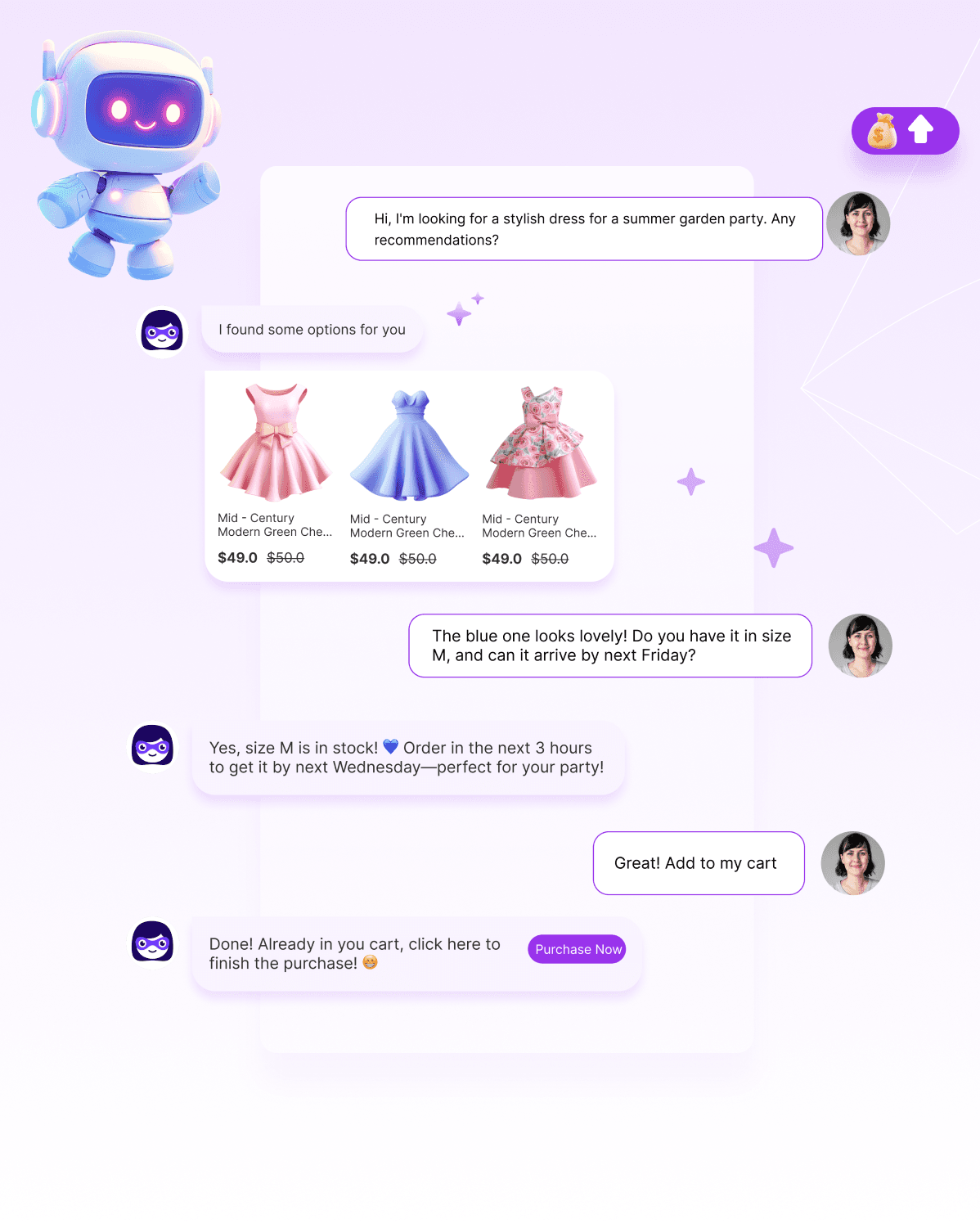
A clear answer about shipping, returns, sizing, or a product detail can help a shopper decide whether to continue. A chat assistant should answer from current store-approved information and provide a human handoff when it cannot. Do not assume an app can be placed at every checkout step: Shopify checkout customization and app placement depend on the store plan and the app's supported extension points.
Action: List the questions that appear in support messages and test the assistant against them, including wrong or incomplete answers. Confirm where the chat entry point can appear in your theme and checkout. Give the assistant no authority to invent delivery promises, apply discounts, or edit an order unless that action is explicitly supported and configured.
9. Create Urgency with Countdown Timers
Urgency is appropriate only when it reflects a real deadline, inventory condition, or shipping cutoff. A timer that resets or claims other shoppers are competing for an item can mislead customers and damage trust.
Action: Document the source of the deadline and the rule that ends the offer. Confirm that the displayed time zone, inventory state, and promotion terms are correct on desktop and mobile. If there is no real deadline, use a plain reminder instead of a countdown.
10. Use AI Proactive Outreach for Real-Time Recovery
Some Shopify tools can show proactive messages or recommendation cards based on shopper behavior. The exact signals, locations, and controls depend on the app and plan; do not assume a tool can detect hesitation or predict intent from every interaction.
Action: Choose one observable trigger supported by the app, such as a page view or cart condition, and explain the message's purpose. Keep the message dismissible and avoid repeating it. Measure exposures, dismissals, clicks, cart changes, and completed orders separately. Use a holdout or other suitable comparison before claiming the prompt recovered a sale. The Algoshop Shopify listing describes behavior-triggered Outreach Cards, product recommendations, and cart-recovery messaging; it does not establish a guaranteed recovery rate.
Example to test—not a reported result: a shopper adds a jacket to the cart, then sees that the store offers free shipping above a stated threshold. A relevant reminder can show how much remains and let the shopper decide whether to add another item. Measure the order outcome; do not assume the prompt caused it.
These ten strategies address common points of friction. Their impact depends on your shoppers, products, market, and checkout setup, so treat each one as a testable improvement—not a promised lift.
How to Measure Cart Abandonment Recovery Success
Track these four metrics to evaluate your cart abandonment recovery efforts:
| Metric | Details | Benchmark |
|---|---|---|
| Checkout completion | Completed orders / eligible checkouts. Keep the date range and channel definition consistent. | |
| Message delivery | Delivered messages / eligible abandoned checkouts. Separate consent, eligibility, and delivery failures. | |
| Attributed recovery | Orders completed after a recovery touch. Treat attribution as association unless your test design supports causal claims. | |
| Net contribution | Incremental order margin minus discounts, messaging, and campaign costs. Compare with a suitable baseline or holdout. |
Build a Store-Specific Recovery Estimate
Do not convert a broad industry abandonment rate into a store revenue forecast. Use your own eligible checkout count, completed orders, average order value, gross margin, and message costs. Then estimate the opportunity with a small controlled test:
1. Set a baseline window and record the number of eligible checkouts, orders, discounts, and net sales.
2. Change one thing—such as surfacing shipping information earlier or enabling an eligible recovery email—while keeping other major campaign conditions as stable as possible.
3. Compare a suitable control or pre-defined comparison period. Account for seasonality, channel mix, consent eligibility, and promotions.
4. Calculate incremental contribution, not just attributed revenue: subtract discounts, app fees, messaging costs, and returns from any measured lift.
Shopify's [abandoned checkout automation guide](https://help.shopify.com/en/manual/promoting-marketing/create-marketing/migrate-abandoned-checkout) explains eligibility and reporting for its native workflow. For proactive onsite messaging, verify the app's documented trigger and measurement capabilities before designing a test. No generic recovery percentage can promise your store's result.
Frequently Asked Questions
Fix Checkout Friction First, Then Recovery
Use this page as your checkout recovery playbook, then connect it to a Shopify AI sales chatbot that can answer objections, trigger nudges, and recover stalled carts in real time.
See the recovery workflow