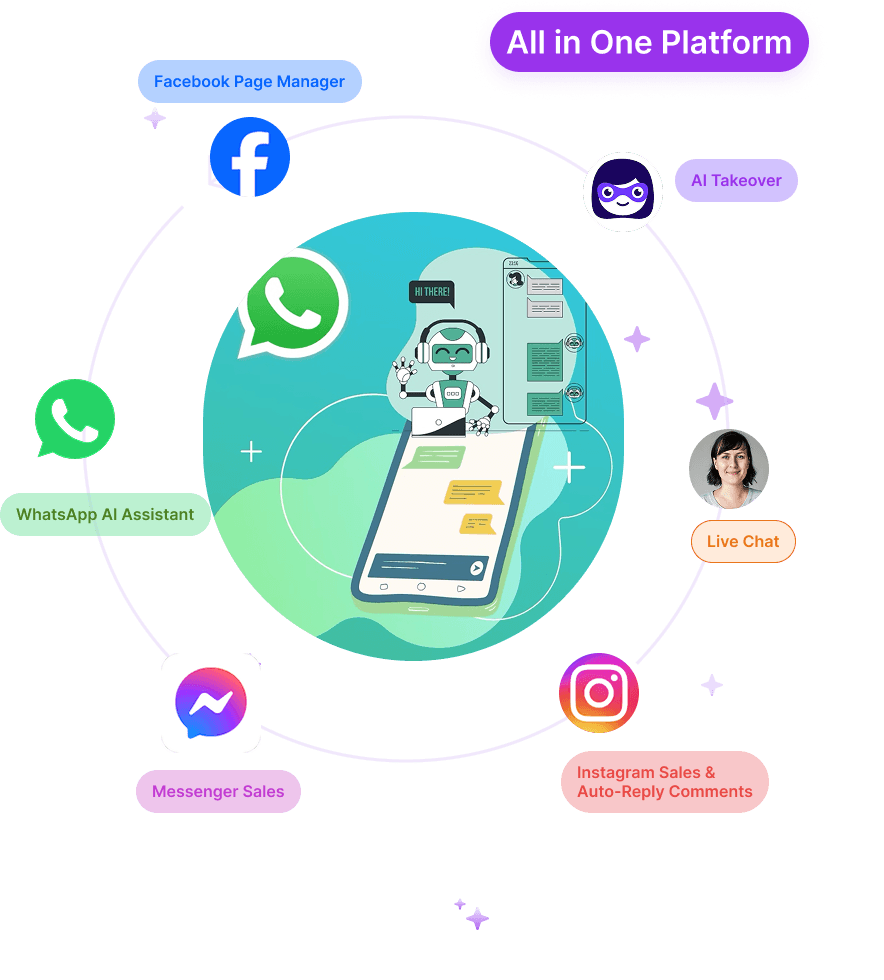
Every Shopify merchant knows the frustration of watching hard-earned traffic slip away. You invest heavily in marketing to drive visitors to your store, yet the vast majority browse passively, add items to their cart, and disappear without checking out. Standard customer service tools sit quietly in the corner, waiting for a user to click them. By then, it's usually too late.
Algoshop's Outreach Campaigns feature fundamentally flips this paradigm. Instead of waiting for customers to ask for help, our AI-driven system proactively monitors real-time shopper behavior and intervenes with laser-targeted interactive cards at the perfect psychological moment. Whether a customer is lingering on a product page, hesitating at checkout, or about to exit your store, Algoshop steps in to streamline the decision-making process and secure the sale.
Below is a practical look at ways to use Outreach Cards and product recommendations. The Shopify listing describes behavior-triggered cards such as coupons, recommendations, and countdowns; actual controls and availability should be checked in the current app and plan.
1. Product Recommendation Card: Personalized Smart Upselling
When shoppers browse a collection, a product recommendation can help them compare relevant options or find a complementary item. Algoshop's Shopify listing describes product recommendations and Outreach Cards; verify which shopper signals and recommendation sources are available in your installed plan before planning a campaign.
Treat the recommendation as merchandising, not a guaranteed AOV increase. Choose a clear product relationship, check stock and price, and measure whether shoppers engage and complete orders without increasing returns or reducing margin.
2. Proactive Message Card: The Perfect Greeting
A welcome message can orient shoppers when it adds useful context rather than interrupting them. If the current campaign controls support page-specific greetings or rich media, keep the message tied to that page and provide an obvious way to dismiss it.
Preview the message on mobile and desktop, check that its claims match the product page, and monitor dismissals and support questions alongside engagement. Do not assume a greeting will keep a visitor on the site.
3. Countdown Timer Card: Instantly Triggering FOMO
A countdown is appropriate only when it reflects a real promotion deadline or another genuine time limit. The Shopify listing mentions countdown cards; before using one, confirm the current campaign controls and ensure the offer actually expires as shown.
State the terms, time zone, and eligible products clearly. If there is no real deadline, use a straightforward reminder instead of manufactured urgency. Compare completed orders and customer questions, not timer views alone.
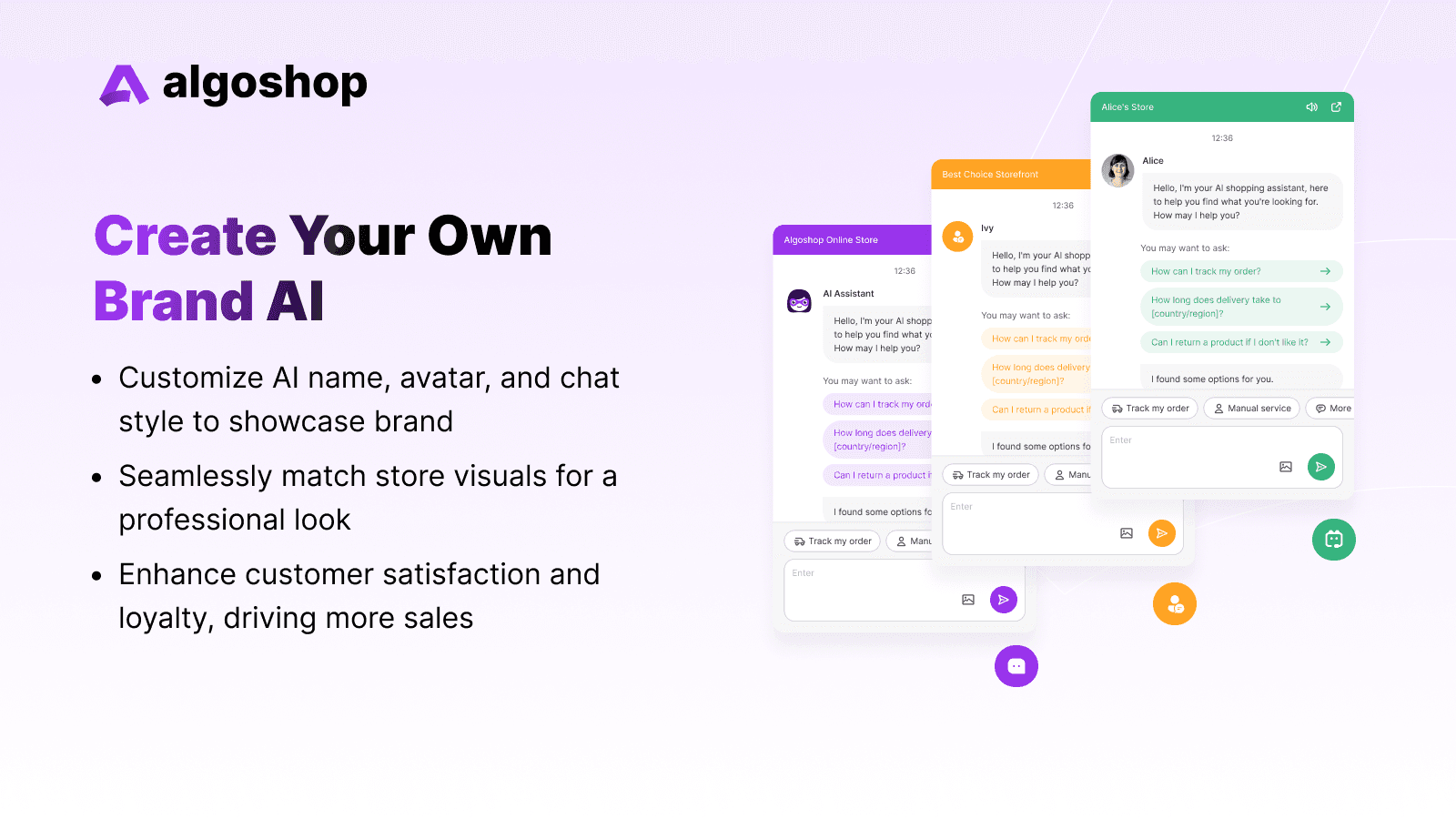
4. Coupons & Promotions: Converting the Hesitant Visitor
A coupon can help when its audience, eligibility, and margin impact are understood. The current listing describes coupon cards; verify whether the app supports the promotion rule you intend to use and ensure the discount works with the store's existing codes and exclusions.
Test one offer with a defined audience. Review redemption, completed orders, discount cost, and whether the shopper would likely have purchased without the offer. Make the terms easy to find and avoid implying exclusivity unless it is genuine.
5. Free Shipping Reminder: Driving Up Cart Thresholds
If your store offers free shipping above a real threshold, a clear reminder can show the remaining amount and the terms that apply. Verify whether the current app supports this trigger and calculation; check how discounts, taxes, shipping profiles, and excluded products affect eligibility.
Use only compatible add-ons and do not recommend an item solely to raise the order total. Measure completion, margin, and returns against your baseline before deciding whether to keep the prompt.
6. Payment Reminder Card: Recovering Lost Revenue on Autopilot
A reminder may bring a shopper back to an eligible unfinished checkout, but the channel, trigger, and audience depend on app support, Shopify eligibility, and customer consent. The current listing describes cart-recovery messaging; verify the specific workflow and checkout link before activation.
Review delivery, returned visits, completed orders, discounts, and opt-outs separately. An order that follows a reminder is not automatically an order caused by it; use a holdout or other suitable comparison for causal claims.
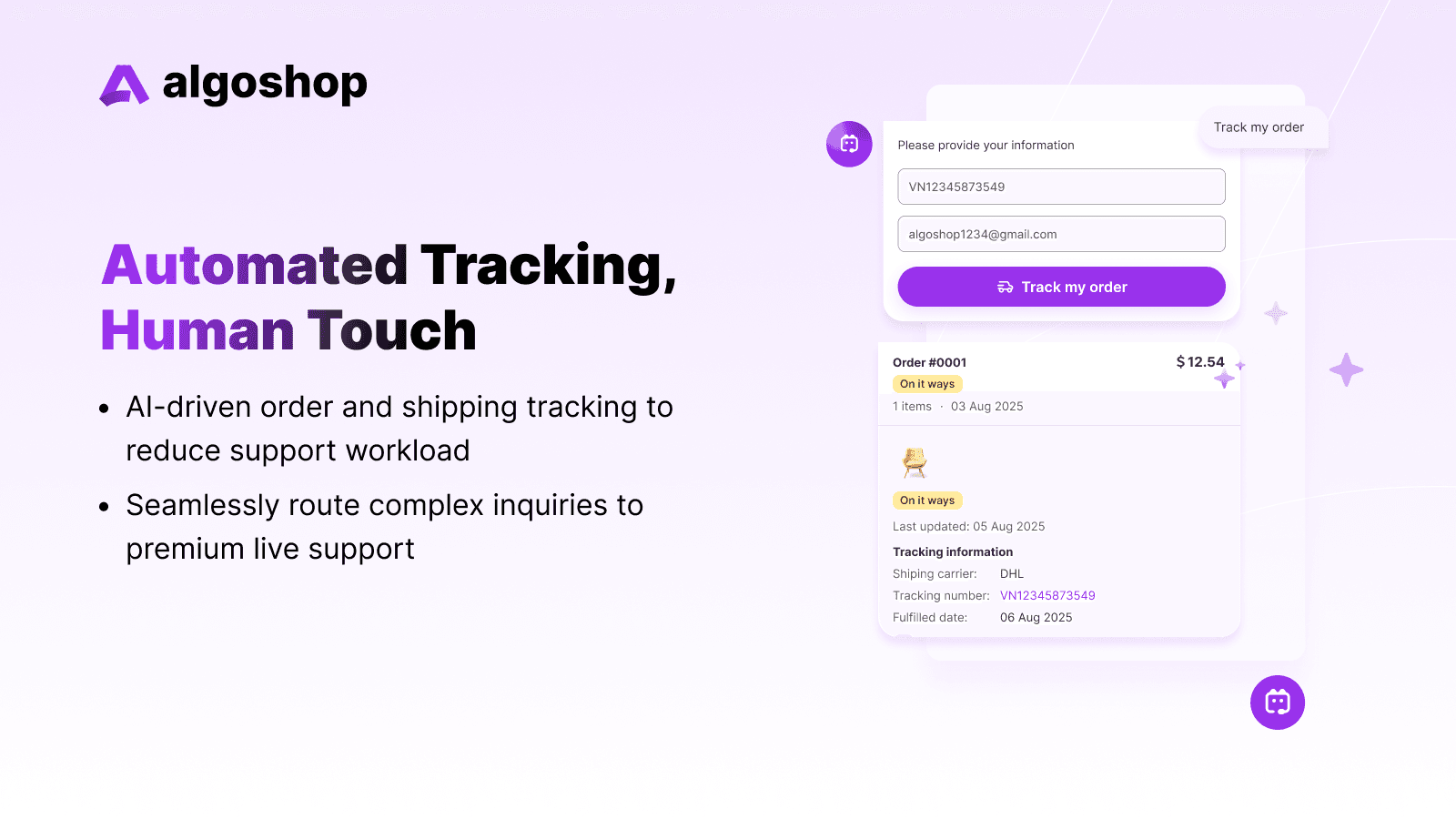
Behavioral Intelligence Meets Complete Analytical Control
The listing describes behavior tracking, Outreach Cards, and an analytics dashboard. The exact signals, attribution, and reporting fields should be verified in the current app; do not assume every trigger or metric mentioned in older materials is still available.
For a useful campaign review, record eligible visitors, card impressions, dismissals, clicks, cart changes, completed orders, discount cost, and margin over a defined period. Compare with a baseline or holdout before attributing a result to a card.
Frequently Asked Questions
What does Algoshop AI do for e-commerce stores?
The Shopify listing describes AI and live chat, product recommendations, cart recovery, behavior-triggered Outreach Cards, and integrations including WhatsApp, Messenger, and Instagram. It lists 22 supported languages. Exact capabilities and availability may depend on the plan; verify the current [Shopify listing](https://apps.shopify.com/algoshop-ai-sales-chatbot) before relying on a specific workflow. The listing does not establish a guaranteed resolution or conversion rate.
How much does Algoshop cost?
At the time of this review, the Shopify listing shows Free, Starter ($39.90/month), Essential ($79.90/month), and Ultimate ($199.90/month); it also lists annual billing and a 7-day trial on paid plans. Quotas and included features vary by tier and can change. Check the current [Shopify App Store pricing](https://apps.shopify.com/algoshop-ai-sales-chatbot) before choosing a plan.
Does Algoshop support multiple languages?
The Shopify listing currently names 22 supported languages. Test the languages your customers use with real product and policy questions, and review the generated responses for accuracy and natural phrasing before relying on them in customer conversations.
Can Algoshop integrate with WhatsApp and Instagram?
The Shopify listing names WhatsApp, Messenger, and Instagram integrations. Confirm the exact supported conversation types, setup requirements, and inbox workflow in the current listing and app; do not assume that every channel supports identical automation or campaign controls.
What is the typical ROI of an AI sales chatbot?
There is no reliable universal ROI figure. Start with your own baseline for eligible conversations, assisted orders, margin, returns, and tool cost. Compare a defined test group with a suitable control, and count only incremental contribution—not attributed revenue alone.

