Answer visitor questions
Use business information, policies, and reference content to support basic chatbot conversations. WooCommerce is not required for this starting point.
Now in the WordPress Plugin Directory
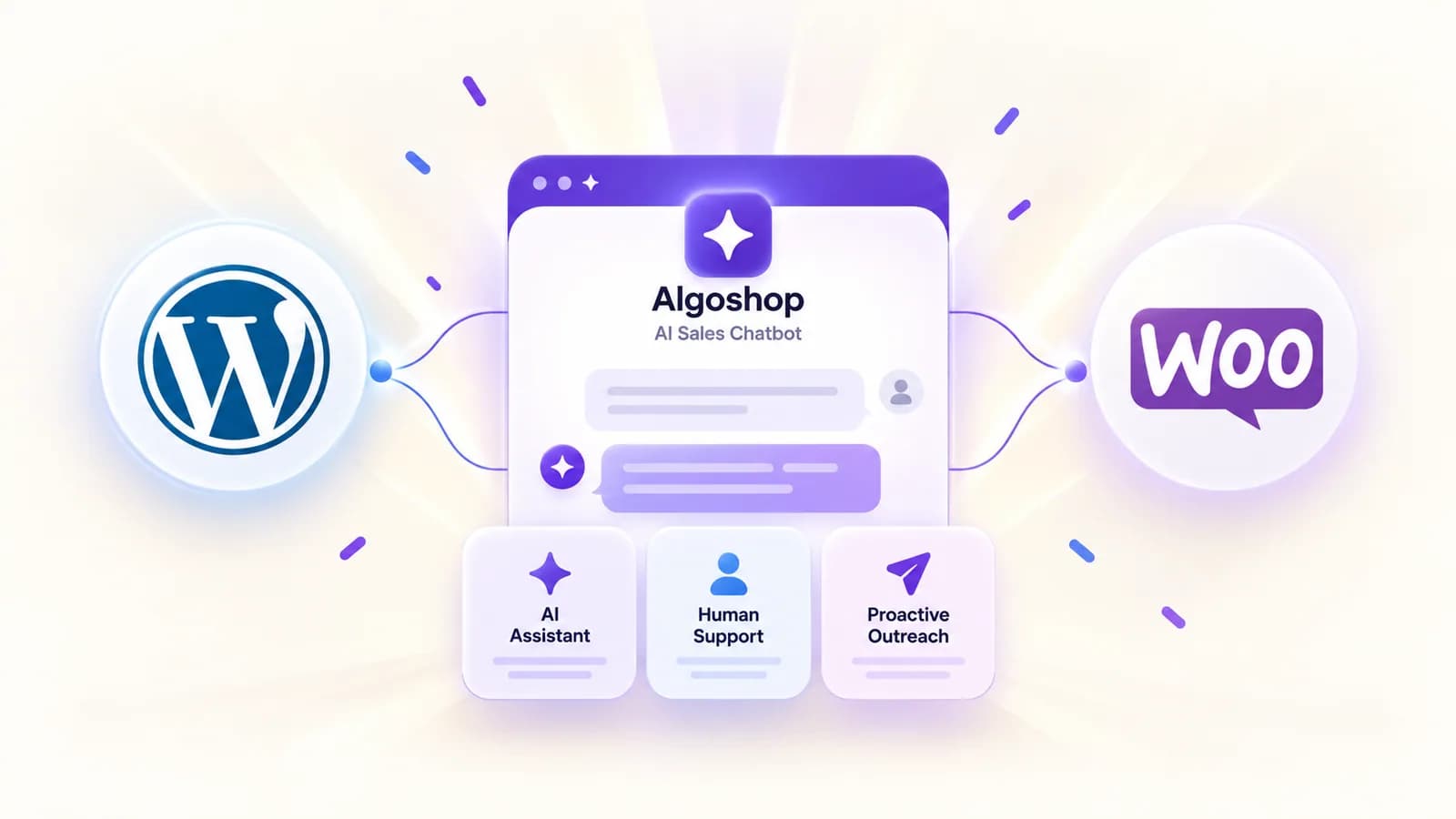
Algoshop brings AI answers, human support, and proactive outreach into one shopper conversation. Connect WooCommerce for product discovery and cart actions.
WordPress for visitor assistance · WooCommerce connection for store features
Choose your starting point
Use business information, policies, and reference content to support basic chatbot conversations. WooCommerce is not required for this starting point.
Connect your store so chat can use supported product data, help shoppers choose variants, and add items to the WooCommerce cart.
One connected journey
Three Algoshop modules work in the same customer communication channel. You choose the knowledge, support coverage, and outreach conditions.
A visitor asks about a product, policy, or order in the same on-site chat.
Algoshop uses your supplied knowledge and, when connected, WooCommerce product data.
A relevant card can offer an answer, promotion, or cart reminder while the visitor browses.
A staff member takes over when a question needs judgment or a personal response.

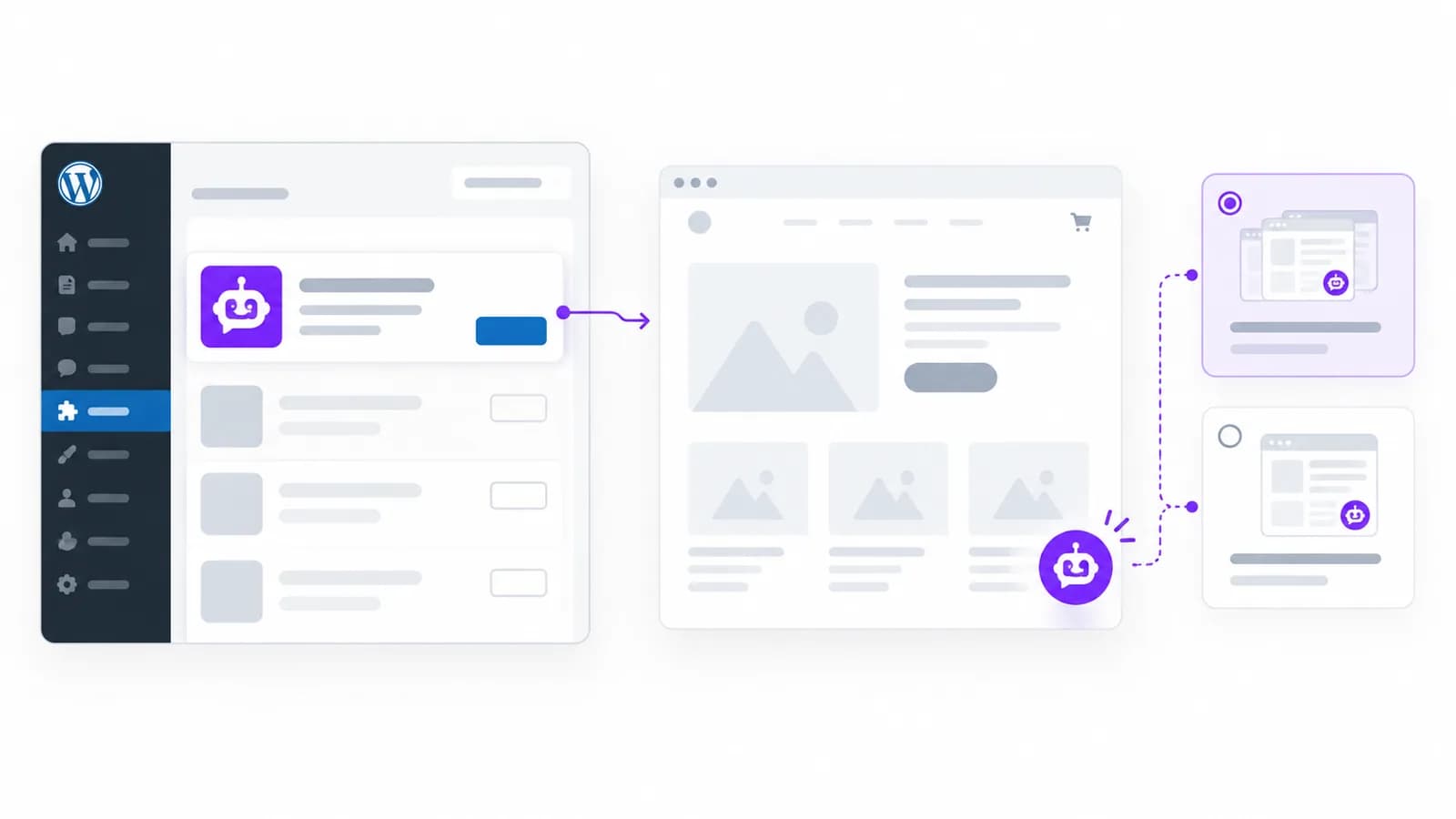
Get started
[algoshop_chatbot] shortcode, or add the Algoshop Chatbot block.Good to know
No. A WordPress site can use basic chatbot assistance without WooCommerce. Connect WooCommerce to enable supported product, cart, and other store-specific features.
Install and connect the WordPress plugin, then manage chatbot content, appearance, conversations, and outreach in the Algoshop Dashboard.
Yes. Human Support lets staff respond in the conversation inbox when a question needs personal attention.
You can display it sitewide, place the [algoshop_chatbot] shortcode, or use the Algoshop Chatbot block in WordPress.
Install the plugin, connect your account, and start with the conversation your visitors need most.