Shopify Chatbot Pricing 2026: Cost Comparison Guide
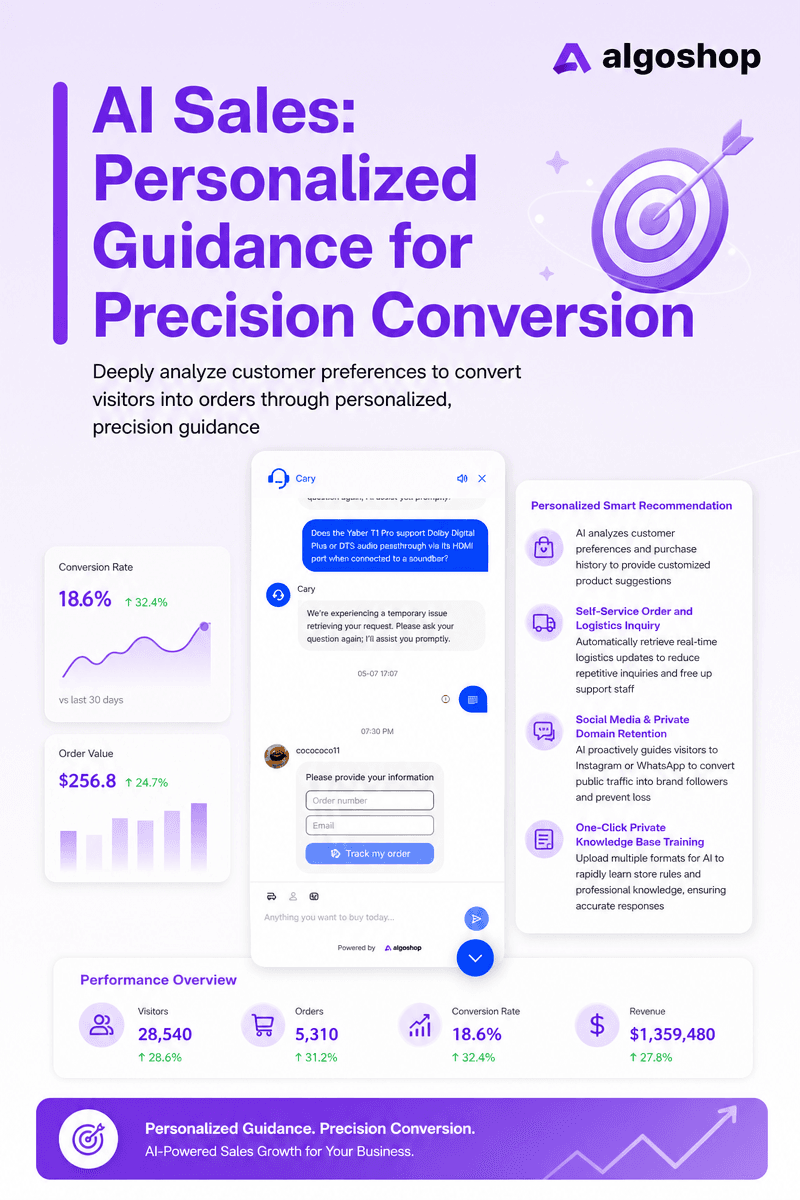
Algoshop offers a free plan with 100 AI messages monthly. Starter is $39.90/month with 1,000 AI messages. Compare allowances, required channels, and billing units before choosing a plan; a lower headline price does not establish the best value.
This guide compares the questions to ask when evaluating Tidio, Gorgias, Intercom, and other chatbot or helpdesk tools. Separate the subscription, AI usage, paid channels, and team costs before comparing totals.
Pricing terms were reviewed on October 8, 2026. This is a budgeting guide, not a hands-on performance test or a prediction of any merchant’s invoice. Use the linked official pages for the current offer.
Table of Contents
Quick Verdict: Best Value by Budget
Budget under $50/month: Algoshop Free includes 100 AI and 100 live chat messages per month; Starter is $39.90/month with 1,000 of each. Order count alone cannot tell you whether these allowances are sufficient.
Budget $50–$200/month: Compare actual message demand and required channels. Algoshop Essential is $79.90/month with 3,000 AI messages and social-channel AI. A conversation, a message, and a billable AI outcome are different units; do not compare their limits as if they were equivalent.
Budget $200–$500/month: Algoshop Ultimate is $199.90/month with 10,000 AI messages. For seat-based tools, also calculate team access and usage charges. Do not infer a typical total invoice from order volume alone.
Budget $500+/month: Establish your workflow requirements before selecting an enterprise plan. Ask for a quote covering your team, channels, AI usage, and seasonal peaks rather than assuming a universal price range.
Key Takeaways
- Algoshop offers a free plan with 100 AI messages monthly. Starter is $39.90/month with 1,000 AI messages. Compare allowances, required channels, and billing units before choosing a plan; a lower headline price does not establish the best value.
- Messages, conversations, tickets, contacts, and AI outcomes are different billing units; their allowances are not directly interchangeable.
- Order count alone cannot establish chatbot demand or savings. Budget from actual conversation volume and the workflow you need.
- Compare seats, channels, AI usage, included limits, and annual commitments before making a purchase.
Pricing Model Primer: How Chatbot Billing Works
Shopify chatbots use four fundamentally different billing models. Understanding which model a platform uses is more important than comparing sticker prices:
- Message or conversation allowances Plans may include a message or conversation allowance. Ask how each unit is counted and what happens when it runs out; a conversation can contain multiple messages, and an overage charge is not automatic on every platform.
- Helpdesk ticket allowances Ticket-based plans include a defined support volume. Check how reopened conversations, automated replies, and AI outcomes are counted, and whether additional channels have separate charges.
- Per-resolution AI (Intercom, Gorgias AI) An outcome-based AI plan charges for a defined result rather than every message. Read the definition of a billable outcome and ask how escalated, reopened, or unsuccessful interactions are treated.
- Per-agent (Zendesk, LiveChat, Intercom seats) Seat-based plans price team access separately from usage. Count the full seats you need, check any limited-access roles, and add the channels and automation required for the workflow.
Full Pricing Comparison Matrix
Use these official pricing links to check the current offer. The final column identifies the input to establish before requesting a comparable quote.
| Platform | Official Pricing | Budget Question |
|---|---|---|
| Algoshop | [View current plans](https://apps.shopify.com/algoshop-ai-sales-chatbot) | Compare AI, live chat, product, and outreach allowances |
| Tidio | [View current plans](https://www.tidio.com/pricing/) | Compare support, Lyro, and Flows allowances |
| Gorgias | [View current plans](https://www.gorgias.com/pricing) | Estimate ticket volume and AI resolutions |
| Intercom | [View current plans](https://www.intercom.com/pricing) | Estimate seats, Fin outcomes, and paid channels |
| Zendesk | [View current plans](https://www.zendesk.com/pricing/) | Identify the required product, edition, and add-ons |
| Re:amaze | [View current plans](https://www.reamaze.com/pricing) | Check team access and selected package |
| ManyChat | [View current plans](https://manychat.com/pricing) | Check billable contacts and required channels |
| Chatra | [View current plans](https://chatra.com/en/plans/) | Check team access and automation requirements |
| LiveChat | [View current plans](https://www.livechat.com/pricing/) | Check seat count and billing period |
| Freshchat | [View current plans](https://www.freshworks.com/live-chat-software/pricing/) | Check selected edition, seats, and AI allowance |
Detailed Platform Pricing Breakdown
These platform-specific checks explain what to include in your estimate. Verify the current offer at the linked official pricing page before purchasing.
Algoshop AI Sales Chatbot — $0 to $199.90/month
Algoshop lists separate allowances for AI messages, live chat messages, products, and outreach displays. Compare each allowance with your expected usage, not just the monthly price.
Free: 100 AI and 100 live chat messages per month. Starter: $39.90/month, 1,000 AI and 1,000 live chat messages. Essential: $79.90/month, 3,000 AI and 3,000 live chat messages; social-channel AI is listed at this tier. Ultimate: $199.90/month, 10,000 AI and 10,000 live chat messages.
These are monthly USD prices, not annual-billing equivalents. The official Shopify listing gives current limits and billing terms.
Tidio — Support, Lyro AI, and Flows
The Tidio pricing page separates support, Lyro AI, and Flows allowances. Compare the bundle you need, not a support-only headline price.
Check billable conversations, AI usage, visitor allowances, and whether the displayed price assumes annual billing. A larger support plan does not automatically mean unlimited AI. There is no basis here for the previous claim that every growing store must make a 14-fold price jump.
Gorgias — Helpdesk Tickets and AI Usage
The Gorgias pricing page describes ticket-based helpdesk plans and AI charges when a conversation is resolved. It states that helpdesk pricing is not per agent.
Request an estimate showing both components and any Voice or SMS usage you require. Ask how a billable ticket and an AI resolution are defined, including reopened conversations. Do not add two published rates together without checking whether the same interaction is included in both charges.
Intercom — Seats and Fin Outcomes
The Intercom pricing page separates teammate seats from usage, including Fin outcomes and some messaging channels. The page displays annual and monthly billing options, so use the same billing period when comparing offers.
Estimate the seats your team needs, the expected billable outcomes, and any paid channels or add-ons. Fin can also be used with another helpdesk, where the purchasing arrangement differs. A seasonal traffic increase can affect usage, but there is no universal percentage by which every merchant’s bill rises.
Zendesk — Match the Quote to Your Support Workflow
Use Zendesk’s official pricing to distinguish the product and edition you need. Do not compare a ticketing-only entry plan with a suite that includes additional support channels.
List your required agent access, routing, reporting, messaging, and automation before requesting a quote. Ask which AI features and usage are included, what requires an add-on, and whether the advertised price requires annual billing. The most useful comparison is the cost of the same required workflow, not a claim that one vendor is always the most expensive.
Re:amaze — Check the Current Package
Compare Re:amaze’s current plans using your actual team size and required channels. The old assertion that every plan has unlimited agents and only rule-based AI is not a sound basis for a purchasing decision.
Check the selected package’s included automation, AI allowance, and channel access. Also ask how adding another store or teammate changes the invoice. If you already use a shared inbox, include migration and training time in the comparison rather than treating the subscription as the entire cost.
ManyChat — Check Contact and Channel Requirements
Review ManyChat’s current pricing alongside the channels you actually use. Check the definition of a billable contact, the selected plan’s automation and AI access, and any channel-related charges.
Test the shopper journey you need to support. A social conversation and a storefront product question may require different workflows. Do not assume that a contact allowance is equivalent to a chatbot message allowance, or that an advertised entry price covers all the contacts reached by a campaign.
Chatra — Evaluate Live Chat and Automation Needs
Check Chatra’s official plans for your team and required capabilities. Separate live-agent availability from automated responses when deciding whether a plan fits your store.
A low-cost live chat option can be useful if staff are available to answer questions. Include that staffing time in your budget. Test routing, offline messages, and the automation you require rather than relying on an unverified claim that a product can never answer a particular type of question.
Hidden Costs Exposed
Beyond the table and the per-platform breakdown, there are five hidden cost patterns that catch Shopify merchants off guard:
- Billing-unit definitions Ask which interactions count toward the helpdesk allowance and which trigger an AI charge. Model the vendor’s actual rules instead of assuming every conversation is charged twice.
- Seasonal usage Estimate usage during a busy period separately from a normal month. An increase matters for usage-based plans, but it does not establish a universal threefold bill.
- Plan thresholds Check what happens when an allowance is exhausted, and compare the next suitable package. Do not assume that exceeding one threshold always requires the vendor’s highest-priced plan.
- Team access Count the people who need full access and check any limited-access roles. Compare the cost for your real team rather than a hypothetical team size.
- Trials and commitments Distinguish a permanent free allowance from a time-limited trial. Check renewal, cancellation, and annual commitment terms before starting.
Total Cost at 3 Order Volumes
The three store sizes below illustrate budgeting questions, not calculated invoices or ROI forecasts. Measure support demand first: the same number of orders can produce very different chat volumes.
Small Store — 200 orders/month (~7 orders/day)
At this order volume, begin by measuring chat demand. A small store can still receive many pre-purchase questions, especially for sizing or custom products. Count AI and live-agent messages separately, identify the most frequent questions, and test whether the answers are useful.
Compare those counts with the chosen plan’s actual allowances. A free plan can support a limited evaluation, but it cannot be assumed to cover 200 orders simply because it includes 100 AI messages. Include setup and review time in the budget.
Mid-Market Store — 2,000 orders/month (~67 orders/day)
For a growing store, channel mix and team access can matter as much as message volume. Separate storefront questions from social messages, order-status requests, and issues that need a person. Identify which paid tier supports the channels your customers use.
Build a normal-month estimate and a peak-month estimate using the same billing assumptions. Include AI outcomes only where the vendor bills for them; include seats only where seat pricing applies. Do not compare totals based on different amounts of included work.
High-Volume Store — 10,000 orders/month (~333 orders/day)
At higher volume, test how the workflow handles limits, escalations, and busy periods. Identify who monitors unanswered questions and how support continues when the automation cannot resolve an issue. A large message allowance alone is not proof of enterprise reliability.
Request a quote using measured demand, your required team access, and your actual channels. Include implementation, review, and migration costs. Avoid assuming that the AI will autonomously handle a fixed percentage of conversations without evidence from your own evaluation.
Decision Flow: Which Chatbot Fits Your Budget
Use this decision flow to match your store's priorities to the right platform. The goal is not the cheapest chatbot — it is the chatbot that generates the highest revenue per dollar.
- Priority: Revenue & sales conversion Test common pre-purchase questions and the route from an answer to a relevant product. For Algoshop, evaluate outreach alongside chat, but measure purchasing outcomes separately from clicks or messages. Include review costs and avoid treating sales after a chat as proof of causation.
- Priority: Lowest absolute cost Compare the total cost of the workflow you need, including staff time. A free allowance can support a small evaluation, but it may not cover your ongoing demand. Check limit behavior and cancellation terms before upgrading.
- Priority: Enterprise support workflows Write down routing, access control, reporting, escalation, and channel requirements before requesting a quote. Test the difficult cases, including a complaint that crosses teams. A high price or large usage allowance alone does not establish workflow suitability.
- Priority: Social media / DM automation Map the actual channels shoppers use and what happens when a conversation moves from a social message to a purchase or support request. Check channel charges, permissions, and team access. Do not assume that storefront and social automation have identical capabilities.
- Priority: Simple live chat only If a person will answer most questions, compare agent access, routing, offline messages, and staffing coverage first. Pay for automation only if it supports a task you need. A cheaper subscription may still require more team time to provide the same service.
- Priority: Omnichannel (all channels unified) List the required channels and test whether context survives a handoff between them. Check which channels require a higher tier or additional usage charge, and whether your team can see and respond to the conversation in the required workflow.