
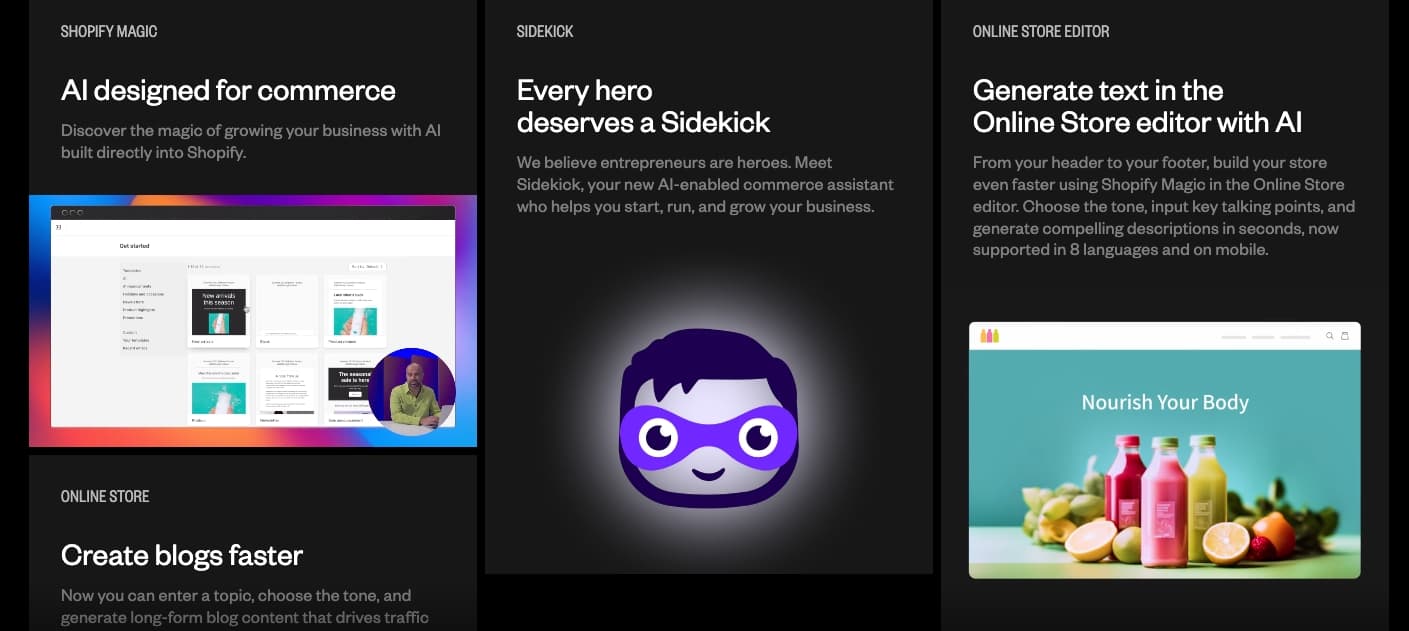
Shopify Sidekick is an AI assistant inside Shopify admin. Merchants can use everyday language to ask for guidance, generate content, work with store tasks, and review suggested changes. What it can do depends on the page, store setup, permissions, and feature availability; it is not a substitute for checking the underlying product, order, or policy details.
Shopify reports that in the first three weeks after the Winter '26 Edition release, merchants used Sidekick to create 19.8 million product descriptions, nearly 30,000 automations, almost 4,000 custom apps, and more than 28,000 emails. These are platform-wide activity counts, not a forecast of what an individual store will achieve. See Shopify's Winter '26 merchant update for the source and reporting period.
Sidekick is designed for the merchant working in Shopify admin, not for customer-facing support: Shopify says it cannot talk to customers or handle their support conversations. That distinction helps merchants decide whether they need an admin assistant, a storefront conversation tool, or both.
Shopify Sidekick vs. Storefront Chat: Different Jobs
Sidekick assists the merchant in Shopify admin. A storefront chat tool serves shoppers. These are different jobs, and not every store needs both.
“Sidekick is the cockpit, but you still need an engine that drives revenue on the storefront.”
How to Access Shopify Sidekick
Shopify's current help guide says Sidekick can be opened from Shopify Home or another page in admin on desktop, and in the Shopify mobile app. The guide also documents text chat, voice, screen sharing, and using the current admin page as context. Availability and exact controls can vary as Shopify rolls features out, so follow the interface in your own store rather than relying on an old screenshot.
For a useful first session, ask about the page or task already open, provide the relevant context, and request a draft or explanation before applying a change. Shopify's help documentation covers referencing products or other resources, Target mode, and reviewing proposed changes. Treat generated text and recommendations as drafts: Shopify notes AI output can contain errors.
What Can Shopify Sidekick Do?
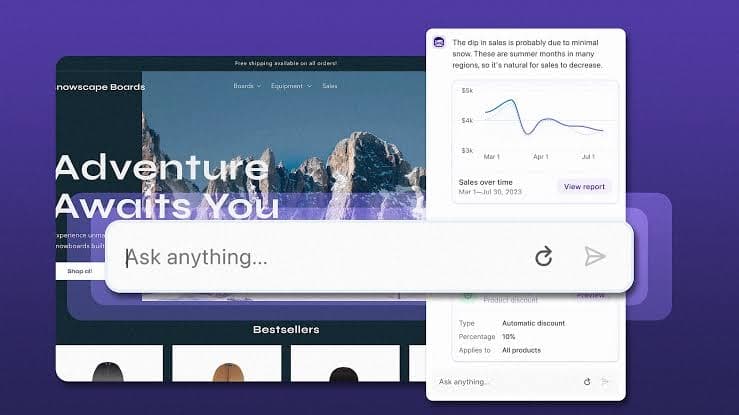
Sidekick handles a wide range of backend operations through natural language conversation.
Content Generation
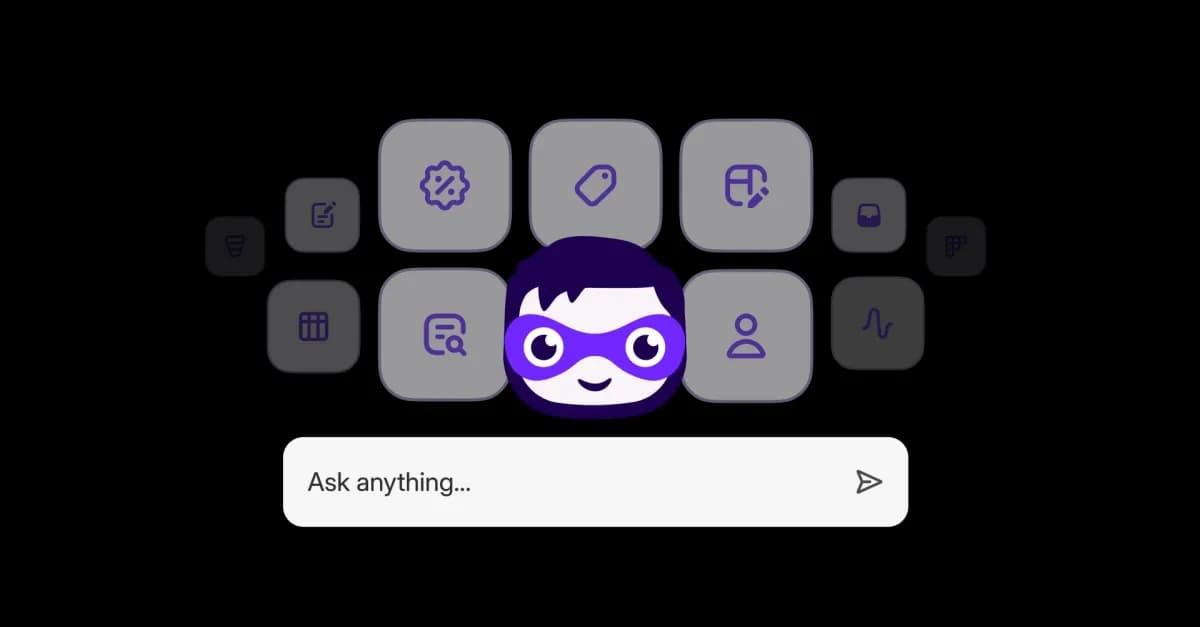
Sidekick can suggest product-description text from details you provide, such as a title and keywords. Shopify says generated descriptions can include unsupported benefits or details inferred from similar products, so verify every specification, claim, and policy before publishing. The platform-wide figure of 19.8 million descriptions in the first three weeks after Winter '26 is reported by Shopify, not a measure of accuracy or merchant results.
Analytics and Reporting
You can ask Sidekick for help understanding store information and use the current admin page as context. For a revenue or conversion question, specify the date range, metric, and comparison you mean; then check the result against the relevant Shopify report before acting on it. Avoid assuming that a chart or natural-language summary uses the same attribution rules as a separate analytics tool.
Order and Product Management
Sidekick can assist with product and order tasks, but the exact task depends on the workflow and permissions. Shopify says proposed changes require merchant review and approval before they take effect. Check the affected fields, totals, and customer impact before saving.
Theme Editing and Storefront Customization
In the theme editor, Sidekick can suggest or make supported changes to existing theme settings, sections, and blocks for review. It cannot add a block your theme does not include through that workflow; Shopify documents a separate theme-block generation feature with plan and theme requirements. Preview changes on the relevant templates and devices before publishing.
Shopify Flow Automation
Shopify says Sidekick can help create a Flow automation from a plain-language description. For example, a merchant might draft a workflow to tag qualifying customers or notify a team when inventory reaches a chosen threshold. Confirm that the needed trigger and action exist, inspect every condition, and test the workflow before enabling it; the example thresholds are illustrative, not Shopify defaults.
Custom App Generation
Shopify describes Sidekick-assisted custom app generation as a way to create admin tools from a prompt. Whether the feature is available depends on the store and current Shopify eligibility. Treat generated code as a starting point: test permissions, data handling, edge cases, and the effects of any write action before installing or relying on it. Shopify reported almost 4,000 custom apps created in the first three weeks after Winter '26; that is an aggregate usage count, not a quality or adoption guarantee.
Sidekick Pulse — Proactive Intelligence
Shopify describes Sidekick Pulse as surfacing personalized recommendations on Shopify Home based on store information. Review the supporting context and date range behind a suggestion before changing inventory, marketing, or merchandising. The recommendation is a prompt for investigation, not proof that a particular action will improve performance.
Sidekick Skills
Shopify documents Skills as reusable prompts that can be saved and run again. A repeatable report request or product-copy brief can be a useful candidate, provided the prompt includes the current inputs and review steps. Check the latest admin documentation for sharing and discovery options available to your store.
Honest Limitations of Shopify Sidekick
Sidekick is powerful, but it has clear limitations that every merchant should understand before building their AI strategy.
| Not customer-facing | Shopify says Sidekick cannot talk to customers or handle customer-support conversations on your behalf. |
|---|---|
| Works in a Shopify workflow | Its context and actions depend on the admin page, supported app integrations, store setup, and staff permissions. |
| Theme changes have boundaries | Theme-editor changes apply to supported settings, sections, and blocks; review the theme and template before publishing. |
| Requires human approval | Shopify says Sidekick presents changes for review and does not apply store changes without approval. |
| Availability can vary | Shopify notes AI feature availability can vary by plan, device, and language; check current eligibility in your admin. |
| AI output needs review | Shopify warns that AI outputs can contain errors. Verify facts and proposed changes before using them. |
How Admin and Storefront Tools Differ
A merchant may use different tools for different jobs. These categories are a decision aid, not a required stack or a claim that every store needs all three:
| Backend AI (Admin) | **Tool**: Shopify Sidekick | **Purpose**: Product management, analytics, automation, theme editing, custom apps |
|---|---|
| Frontend AI (Storefront) | **Tool**: [Algoshop] AI Sales Chatbot | **Purpose**: Customer-facing chat, product recommendations, order tracking, and eligible social-channel workflows described on its current [Shopify listing](https://apps.shopify.com/algoshop-ai-sales-chatbot?utm_source=algoshop_chatbot) |
| AI Discovery (Channels) | **Tool**: Shopify Agentic Storefronts | **Purpose**: Shopify's product-discovery integrations for supported AI shopping channels; check the current Shopify documentation for participating channels and merchant availability |
When a Storefront Conversation Tool Makes Sense
Sidekick works in the merchant's admin, while a storefront chat tool serves a different audience: shoppers. Shopify explicitly says Sidekick cannot handle customer-support conversations. The Algoshop Shopify listing describes its customer-facing capabilities; evaluate the current plan, channels, and limits against the workflow your store needs.
“Sidekick is the cockpit. Algoshop is the engine. You need both to fly.”
Storefront Sales Conversations
A customer-facing tool can answer product questions from connected information and, where configured, recommend products. For a sizing question, the merchant should first ensure the correct size chart and product variant are available, then test the answer and escalation path. Do not assume an app knows a product fact that is missing from its connected sources, or that a chatbot will produce a specific conversion lift.
Cart Recovery at Scale
Shopify's abandoned-checkout automation and a storefront conversation tool serve different moments and eligibility rules. If comparing them, document the audience, trigger, timing, consent requirements, and destination link for each. Measure eligible sessions, messages, checkouts, and completed orders using the same attribution window; an order after a message is not automatically an order caused by it.
Language and market coverage
Shopify says Sidekick's AI availability can vary by language. Algoshop's current listing names supported languages; verify the list, plan limits, and channel behavior before promising coverage. Test product names, measurements, shipping terms, and returns wording in the languages your customers use.
Multi-Channel Sales: WhatsApp, Instagram, Messenger
The Algoshop listing describes WhatsApp, Messenger, and Instagram integrations. Confirm which channels are included in the selected plan, what setup and permissions are required, and whether conversation history or AI behavior is shared across them before presenting them as one unified workflow.
| Customer-facing coverage | **Compare**: when shoppers can start a conversation, which channels are connected, and what happens outside staffed hours. Verify the promised availability in the current plan and configuration. |
|---|---|
| Language fit | **Compare**: documented supported languages, the quality of answers on your own product and policy facts, and the handoff path when the system is uncertain. |
| Checkout measurement | **Compare**: eligible audience, trigger, timing, consent, attributed checkout, and completed orders. Use a consistent baseline or holdout before reporting recovery impact. |
| Answer quality and escalation | **Compare**: correct answers on representative questions, unresolved-query behavior, and whether a person can take over without losing context. |
| Total cost | **Compare**: subscription, message or conversation limits, channel charges, staff time, and any required add-ons using your actual usage forecast. |
The Bottom Line
Sidekick is an AI assistant for work inside Shopify admin. Shopify documents help with store tasks, content, and reviewable changes; the exact feature set depends on store context and availability. Shopify also cautions merchants to review AI-generated content and changes before applying them.
Sidekick does not handle customer-support conversations on a merchant's behalf. A storefront chat tool addresses a different job, but whether a store needs one depends on its support volume, product questions, channels, and staffing. Compare specific workflows rather than treating 'AI' as one interchangeable category.
If you are evaluating both, choose one merchant task and one shopper task. For the admin task, verify the result against Shopify's source report before saving. For the storefront task, test real product and policy questions, check the human handoff, and measure shopper outcomes against a baseline. This keeps the comparison specific to your store rather than assuming that a two-tool stack is right for every merchant.
Frequently Asked Questions
Is Shopify Sidekick free?
Shopify describes Sidekick as an AI assistant in Shopify admin. AI feature availability can vary by plan, device, and language, so check Shopify's current help documentation and the features available in your store before relying on a particular capability.
Can Shopify Sidekick handle customer service?
No. Shopify says Sidekick can't talk to customers or handle customer-support conversations on your behalf. A separate customer-facing tool may help with shopper conversations; evaluate its supported channels, information sources, and human handoff for your store.
What is the difference between Sidekick and Shopify Magic?
Shopify describes Sidekick as an AI assistant in admin and Shopify Magic as a set of AI-powered features across Shopify. The exact capabilities vary by workflow; consult Shopify's current AI tools documentation for the distinction and availability.
Does Algoshop work alongside Shopify Sidekick?
They address different audiences: Sidekick assists the merchant in Shopify admin, while the Algoshop listing describes customer-facing chat and related shopper workflows. If using both, test the admin task and storefront conversation separately and verify each tool's current plan and configuration.
How are Shopify merchants using AI in 2026?
Shopify reports that in the first three weeks after the Winter '26 Edition release, merchants used Sidekick to create 19.8 million product descriptions, nearly 30,000 automations, almost 4,000 custom apps, and more than 28,000 emails. These are Shopify-reported platform-wide activity counts, not a prediction of results for an individual store. See Shopify's report.
What is the complete AI stack for a Shopify store in 2026?
There is no required AI stack. Some merchants may use Sidekick for admin tasks, a separate storefront tool for customer conversations, and Shopify's product-discovery integrations where available. Choose tools only for workflows you need, and verify current capabilities and eligibility in the relevant official documentation.
Complete your AI stack
Review the current Algoshop Shopify listing and see whether its customer-facing workflows fit your store.
Get Started
